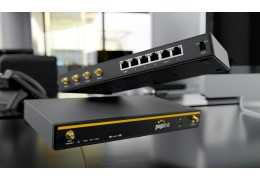
Ubiquiti Dream Machine Pro UDM-Pro Product Specification |
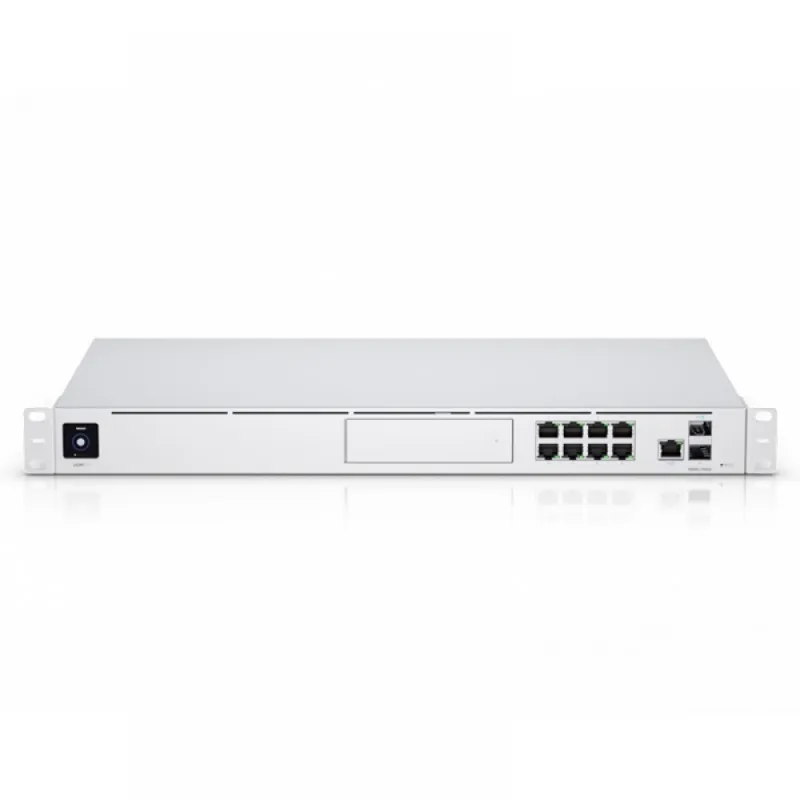
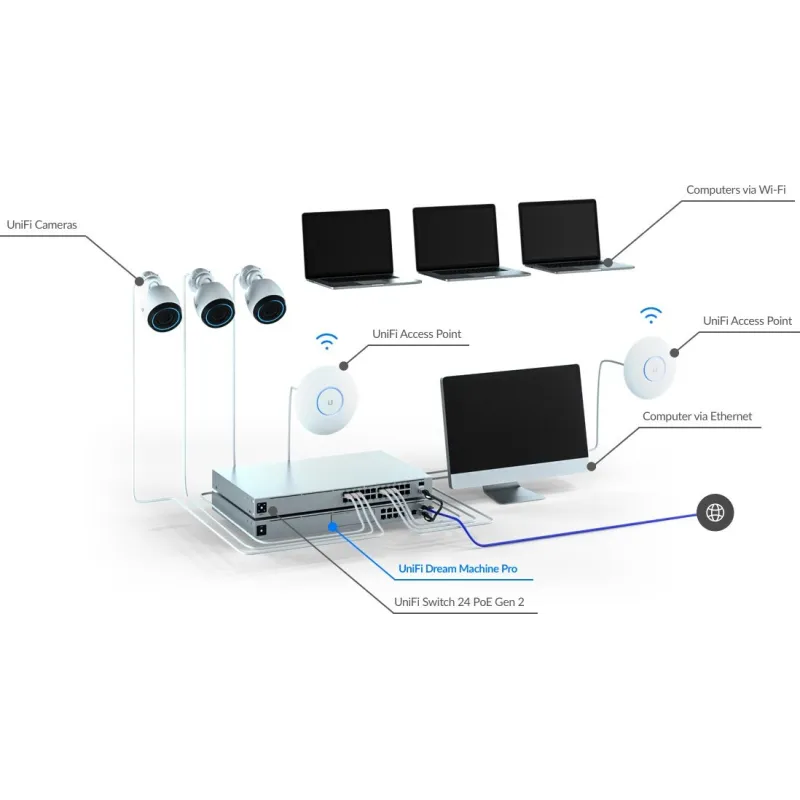
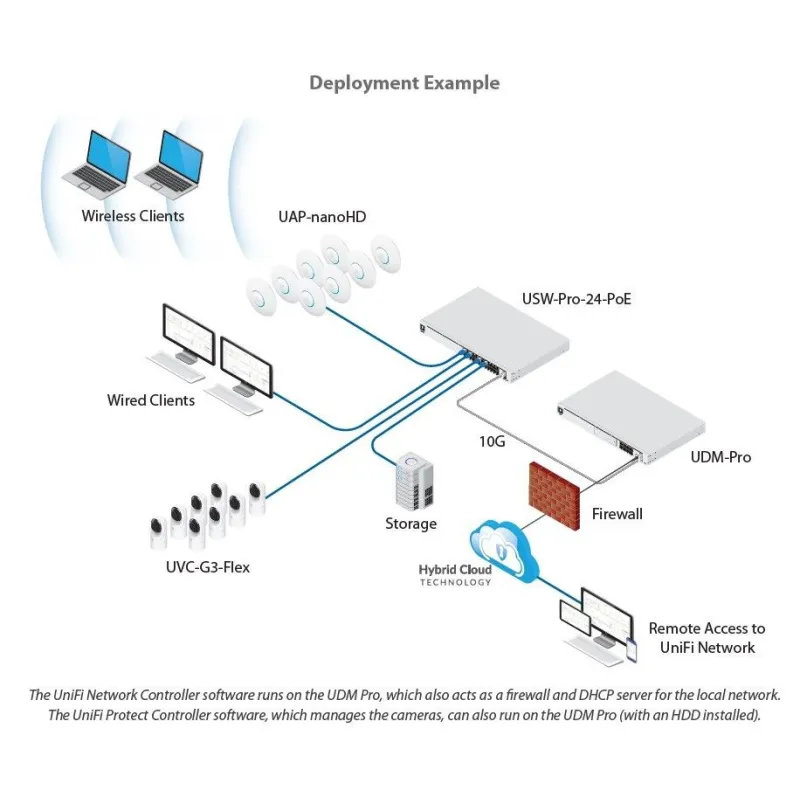
Overview | Ubiquiti Unifi Dream Machine Pro UDM-Pro อุปกรณ์ Unifi รวม Security Gateway และ L2-Managed Switch 8 Port Gigabit พร้อม UniFi Network Controller, 2 SFP+ Port รองรับความเร็ว 10Gpbs, UniFi Protect Software |
| รองรับ 3.5" HDD Bay (หรือ 2.5" HDD) สำหรับบันทึกภาพจาก Ubiquiti Unifi Camera (ไม่มี Harddisk ในชุด) |
DIMENSIONS | Width x Height x Depth:
442.4 x 43.7 x 285.6 mm
(17.42 x 1.72 x 11.24")
Weight: 3.90 kg (8.60 lb)
With Mounting Kits:
3.99 kg (8.80 lb) |
PACKAGE CONTENTS | (2) Rackmount Brackets
(8) Bracket Screws
(4) Mounting Screws
(4) Cage Nuts
(1) Security Screw
(4) 2.5" HDD Screws
Power Cord
(4) Rubber Feet |
TECHNICAL SPECIFICATIONS | (8) 10/100/1000 RJ45 LAN Ports
(1) 10/100/1000 RJ45 WAN Port
(1) 1/10G SFP+ LAN Port
(1) 1/10G SFP+ WAN Port |
Management Interfaces | Ethernet In-Band
(1) Bluetooth BLE |
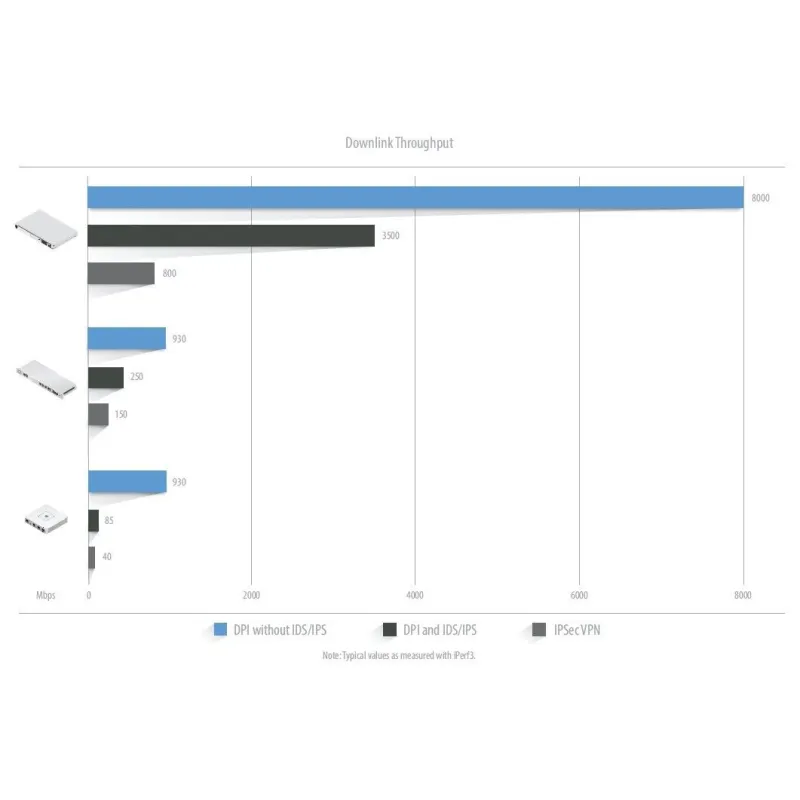
Technical Information | IDS/IPS Throughput: 3.5 Gbps *
Processor: Quad ARM Cortex-A57 Core at 1.7 GHz
System Memory: 4 GB DDR4
On-Board Flash Storage: 16 GB eMMC
* Measured with iPerf3. |
Environment | Operating Temperature: -10° to 40° C (14° to 104° F)
Operating Humidity: 5 to 95% Noncondensing |
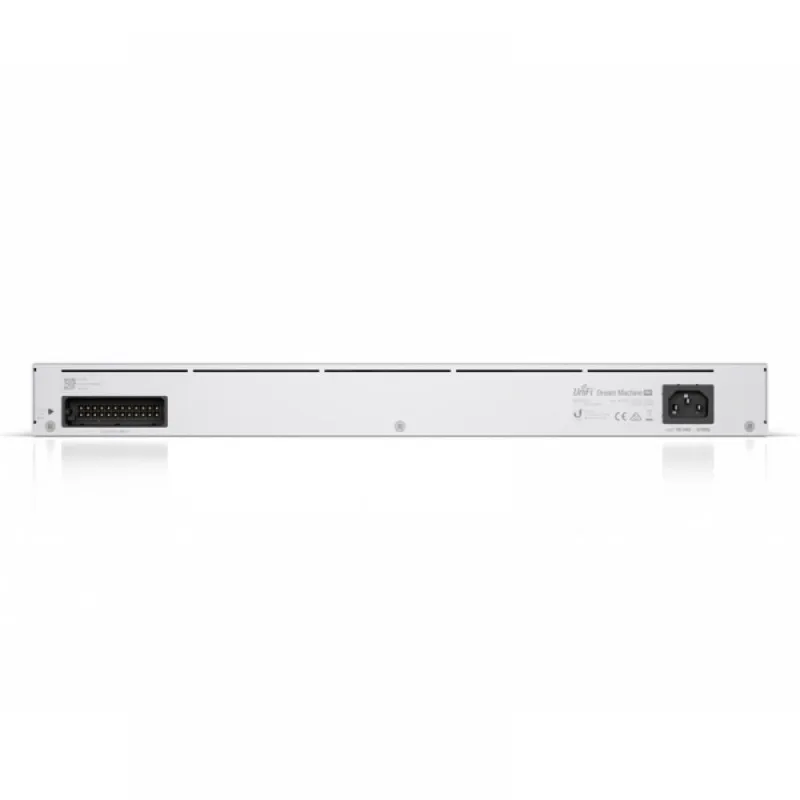
Power | Max. Power Consumption: 33W
Voltage Range: 100 to 240VAC
Power Method: (1) Universal AC Input, 100-240VAC, 50/60 Hz
Redundant Power: (1) RPS DC Input
Power Supply: Internal 50W/12V
ESD/EMP Protection: Air: ± 16 kV, Contact: ± 12 kV |
Certifications | CE, FCC, IC |
Additional Features | |
Automatic QoS | Top QoS priority is assigned to voice and video traffic. |
VPN Server for Secure Communications | site-to-site VPN secures and encrypts private data communications traveling over the internet. |
Convenient VLAN Support | The UDM Pro can create virtual network segments for security and network traffic management. |
Innovative Display | The 1.3" touchscreen displays status information for easy monitoring and quick troubleshooting. |
Scalable UniFi Network Controller | |
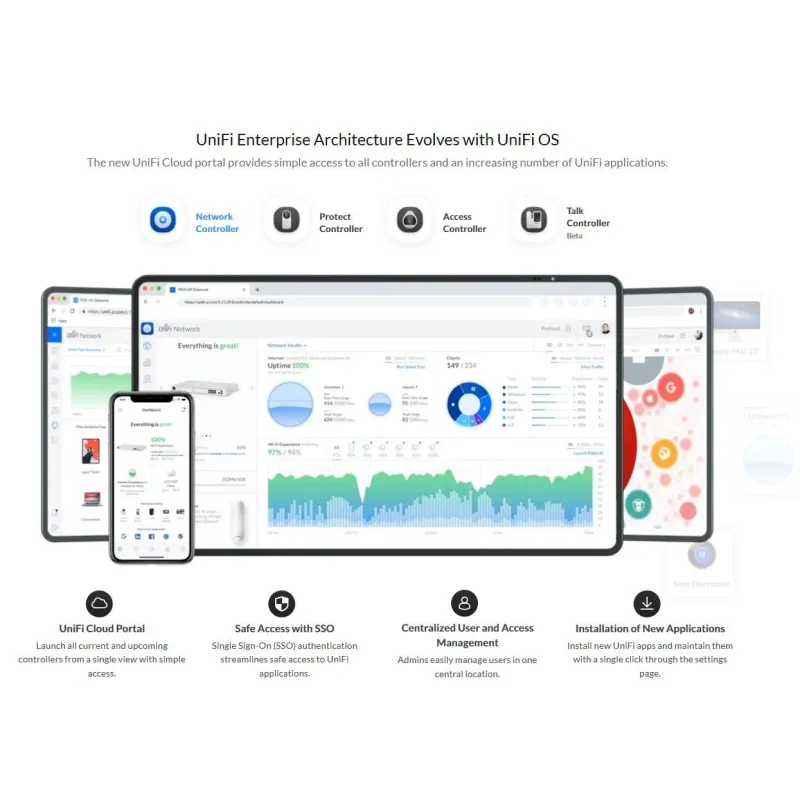
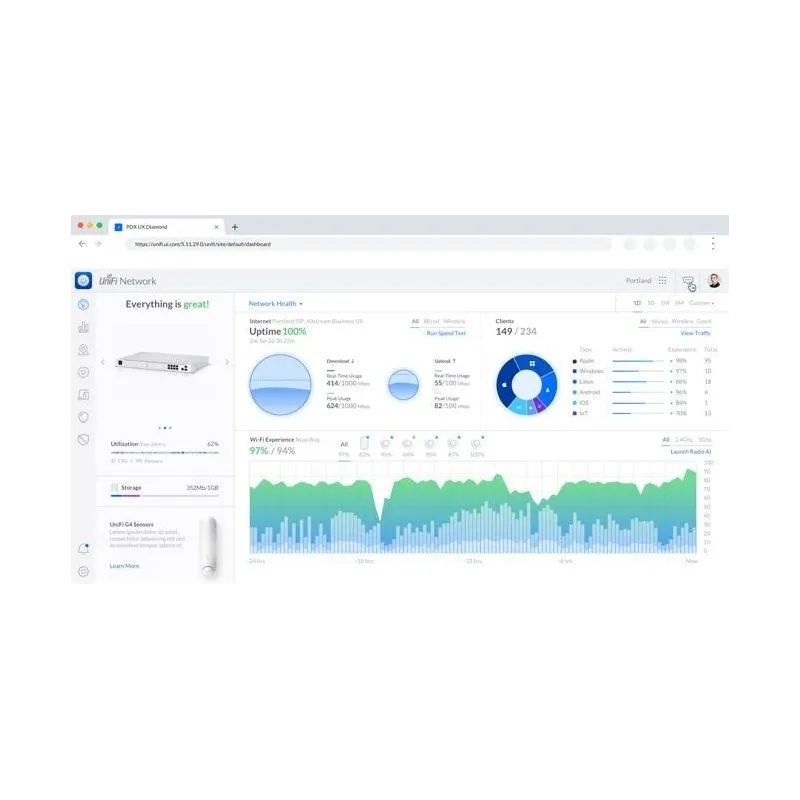
Management Capabilities | The UniFi Network Controller can provision UniFi devices, map out networks, and quickly manage system traffic. Important network details are logically organized for a simplified, yet powerful, interface. |
Network Overview | From a single pane of glass, view network topology and configuration, real-time statistics, and debugging metrics.
Monitor your network’s vitals and make on-the-fly adjustments as needed. |
Deep Packet Inspection | Ubiquiti’s proprietary Deep Packet Inspection (DPI) engine includes the latest application identification signatures to track which applications (and IP addresses) are using the most bandwidth. |
Detailed Analytics | The UniFi Network Controller provides configurable reporting and analytics to manage large user populations and expedite troubleshooting. Advanced search and sorting capabilities make network management more efficient. |
Multi-Site Management | A single controller running in the cloud can manage multiple sites: multiple, distributed deployments and multi‑tenancy for managed service providers. Each site is logically separated and has its own configuration, maps, statistics, guest portal, and administrator accounts. |
Switch Port Configuration | You can configure a variety of switch port features:
• Operation mode (switching, mirroring, or aggregate) per port
• Network/VLAN configuration
• Jumbo frame and flow control services
• Network settings
• Storm control setting per port
• Spanning tree configuration
• 802.1X control and RADIUS VLAN
• Debug terminal option for command-line interface |
Switch Port Status | You can also view status information for each port:
• Connection speed and duplex mode
• TX/RX data rates
• Network/VLAN setting |
Software Features | The UniFi Network Controller software offers the following features:
• Centralized configuration management (including configuration cloning)
• Auto-MDIX automatically adjusts as needed for straight through or crossover cable
• 802.1X (RADIUS) authentication and dynamic VLAN |
รับประกัน | 1 ปี |
| |