DrayTek Vigor 3910 Product Specification |
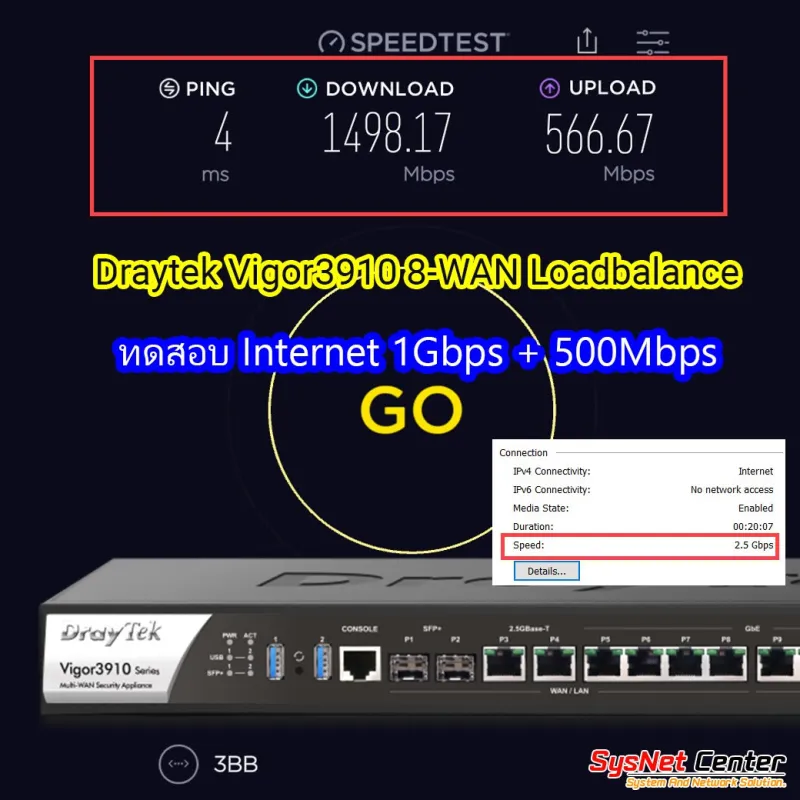
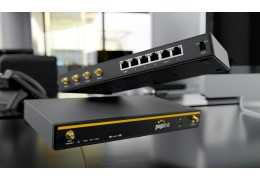
Overview | DrayTek Vigor3910 8-WAN Load Balance VPN Router Quad-Core CPU ความเร็ว Internet สูงถึง 9.4Gbps Loadbalance 8 Wan
Port Lan Multi-Gig ความเร็ว 2.5Gbps
Port SFP+ ความเร็ว 10Gbps 1,000,000 NAT Session รองรับได้มากกว่า 500 Client VPN IPSec 500 Tunnels
VPN Throughput สูงสุด 3.3Gbps, VLAN, รองรับ 4G LTE USB Modem |
Interface |
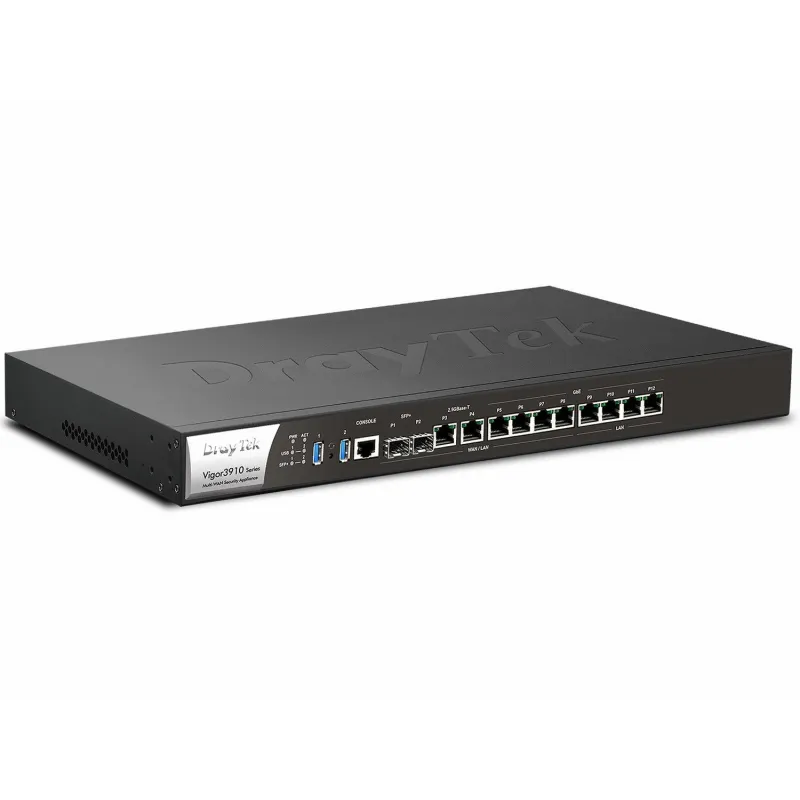
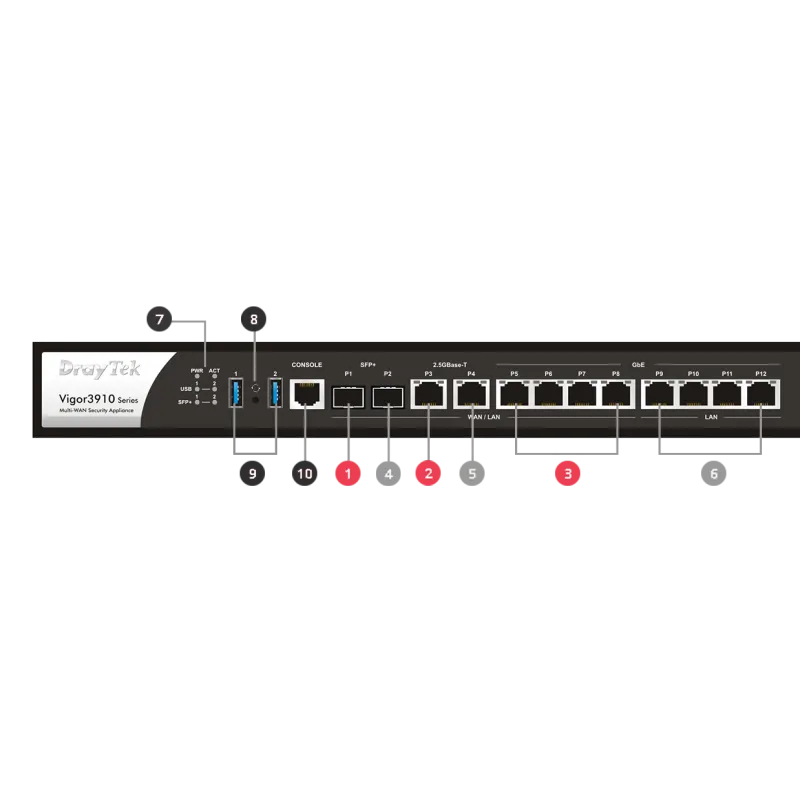
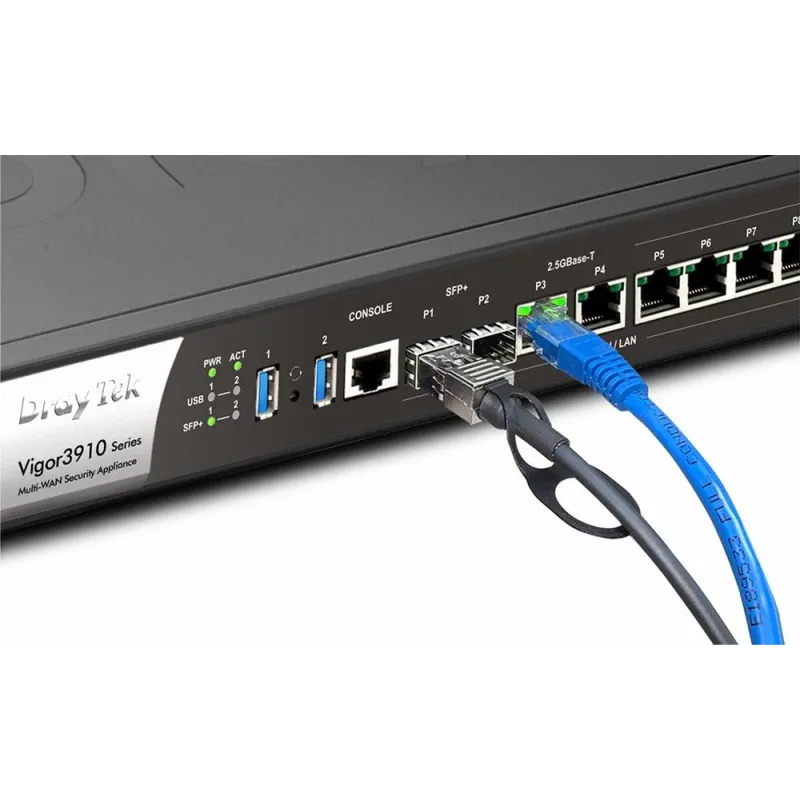
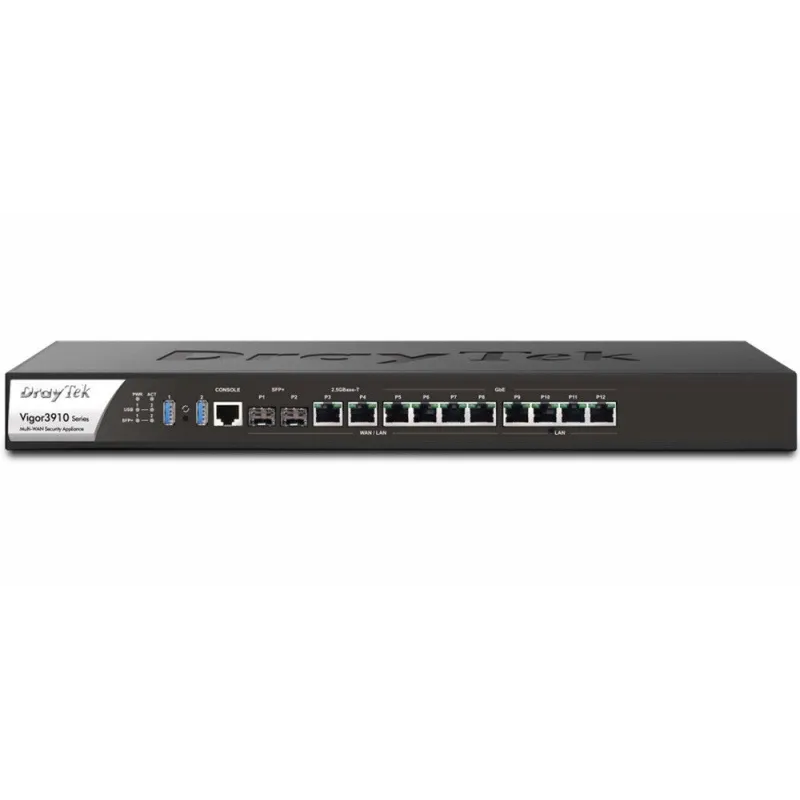
WAN Port | 2 Port 10G/2.5G/1G SFP+ Fiber Slot
2 Port Multi-Gig 2.5G/1G/100M/10M Ethernet, RJ-45
4 Port 1G/100M/10M Ethernet, RJ-45 |
LAN Port | 4 Port 1G/100M/10M Ethernet, RJ-45 |
USB Port | 2x USB 3.0 |
Console Port | 1x RJ-45 |
Button | 1x Factory Reset |
Performance |
NAT Throughput | 9.4 Gbps |
IPSec VPN Performance | 3.3 Gbps |
SSL VPN Performance | 1.7 Gbps |
NAT Sessions | 1,000,000 |
Max. Concurrent VPN Tunnels | 500 |
Max. Concurrent SSL VPN | 200 |
Internet Connection |
IPv4 | PPPoE, DHCP, Static IP |
IPv6 | PPP, DHCPv6, Static IPv6, TSPC, AICCU, 6rd, 6in4 Static Tunnel |
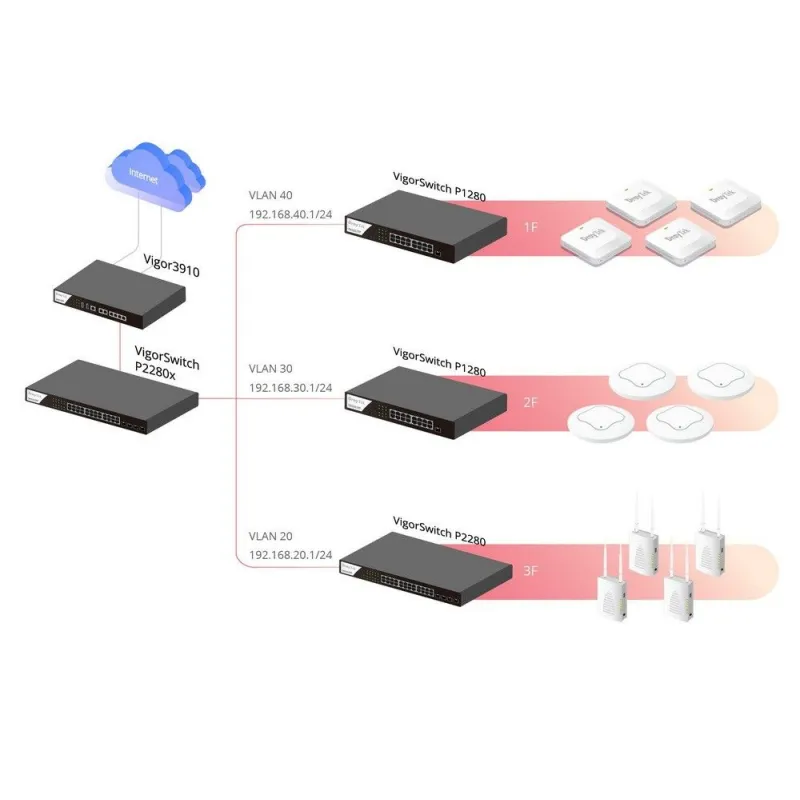
802.1p/q Multi-VLAN Tagging | Support |
Multi-VLAN/PVC | Support |
Load Balancing | IP-based, Session-based |
WAN Active on Demand | Link Failure, Traffic Threshold |
Connection Detection | PPP, Ping, ARP |
Dynamic DNS | Support |
DrayDDNS | Support |
LAN Management |
VLAN | 802.1q Tag-based, Port-based |
Max. Number of VLAN | 50 |
Number of LAN Subnet | 50 |
DHCP Server | Multiple IP Subnet, Custom DHCP Options, Bind-IP-to-MAC |
LAN IP Alias | Support |
IP Pool Count | Up to 4K per LAN Subnet |
PPPoE Server | Support |
Local DNS Server | Support |
Conditional DNS Forwarding | Support |
Hotspot Web Portal | Support |
Hotspot Authentication | Click-Through, Social Login, SMS PIN, RADIUS, External Portal Server |
Networking |
Routing | IPv4 Static Routing, IPv6 Static Routing, Inter-VLAN Routing, RIP v1/v2/ng, OSPFv2, BGP |
Policy-based Routing | Protocol, IP Address, Port, Domain, Country |
High Availability | Active-Standby, Hot-Standby |
DNS Security (DNSSEC) | Support |
Multicast | IGMP Proxy, Bonjour |
Local RADIUS server | Support |
SMB File Sharing | (Requires external storage) |
VPN |
LAN-to-LAN | Support |
Teleworker-to-LAN | Support |
Protocols | PPTP, L2TP, IPsec, L2TP over IPsec, SSL, GRE, IKEv2, IPsec-XAuth, OpenVPN |
User Authentication | Local, RADIUS, LDAP, TACACS+, mOTP |
IKE Authentication | Pre-Shared Key, X.509, XAuth, EAP |
IPsec Authentication | SHA-1, SHA-256, MD5 |
Encryption | MPPE, DES, 3DES, AES |
VPN Trunk (Redundancy) | Load Balancing, Failover |
Single-Armed VPN | Support |
NAT-Traversal (NAT-T) | Support |
Firewall & Content Filtering |
NAT | Port Redirection, Open Ports, Port Triggering, DMZ Host, UPnP |
ALG (Application Layer Gateway) | SIP, RTSP, FTP, H.323 |
VPN Pass-Through | PPTP, L2TP, IPsec |
IP-based Firewall Policy | Support |
Content Filtering | Application, URL, DNS Keyword, Web Features, Web Category* (*: subscription required) |
DoS Attack Defense | Support |
Spoofing Defense | Support |
Bandwidth Management |
IP-based Bandwidth Limit | Support |
IP-based Session Limit | Support |
QoS (Quality of Service) | TOS, DSCP, 802.1p, IP Address, Service Type |
VoIP Prioritization | Support |
Management |
Local Service | HTTP, HTTPS, Telnet, SSH, FTP, TR-069 |
Config File Export & Import | Support |
Firmware Upgrade | TFTP, HTTP, TR-069 |
2-Level Administration Privilege | Support |
Access Control | Access List, Brute Force Protection |
Syslog | Support |
Notification Alert | SMS, E-mail |
SNMP | v1, v2c, v3 |
Managed by VigorACS | Support |
Central AP Management | 50 VigorAPs |
Central Switch Management | 30 VigorSwitches |
Physical |
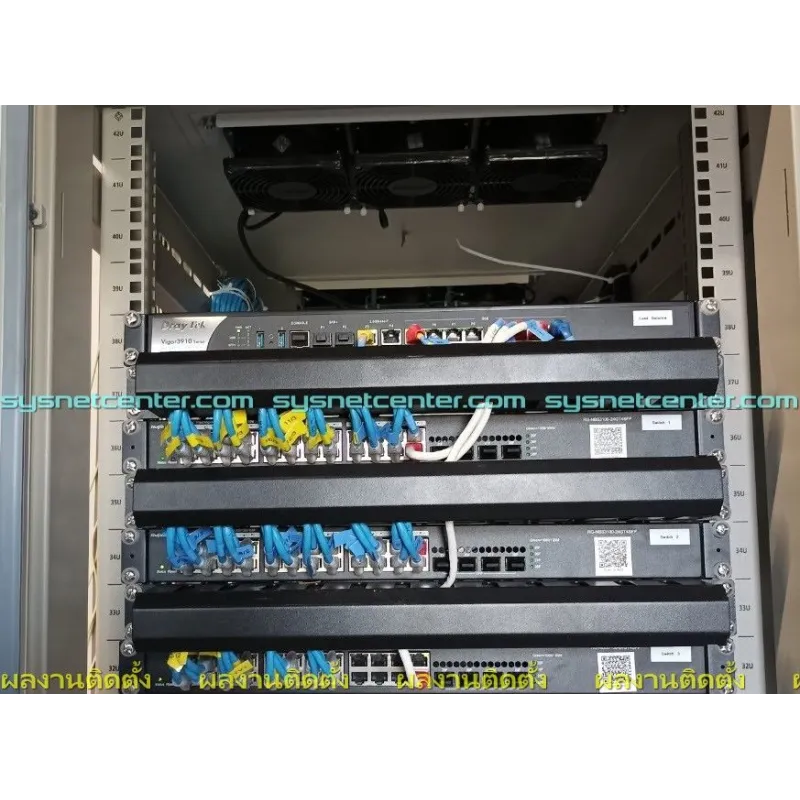
Rack Mountable | Mouting Kit Included |
Dimension | 443 mm x 285 mm x 45 mm |
Weight | 3.23 kg |
Power | AC 100~240V, 50/60Hz |
Max.Power Consumption | 35 watts |
Operating Temperature | 0 to 45°C |
Storage Temperature | -10 to 55°C |
Operating Humidity (non-condensing) | 10 to 90% |
รับประกัน | 2 ปี |