Line: @sysnet
  • Payment

RSS Feed

การนำทางบล็อก

โพสต์ล่าสุด

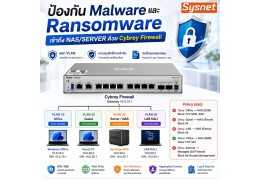
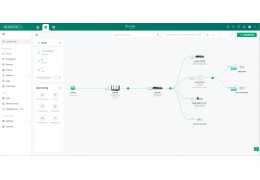
ป้องกัน Malware และ Ransomware เข้าถึง NAS / Server ด้วย Cybrey Firewall
72 มุมมอง 2 ชอบ

บทความนี้จำลอง LAB การป้องกัน Malware และ Ransomware เข้าถึง NAS/SERVER ด้วย Cybrey Firewall...

อ่านเพิ่มเติม
  • ใหม่

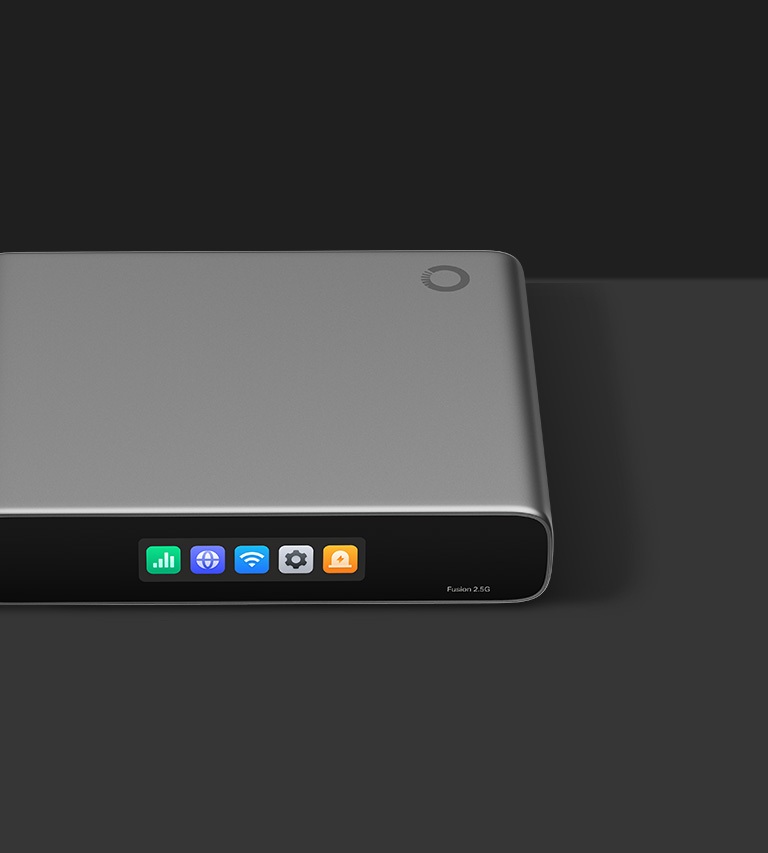
Fusion 2.5G TP-Link Omada Gateway พร้อม Controller, 5 Port 2.5G และ Cloud Management แบบ License-Free

Fusion-2.5G
TP-Link

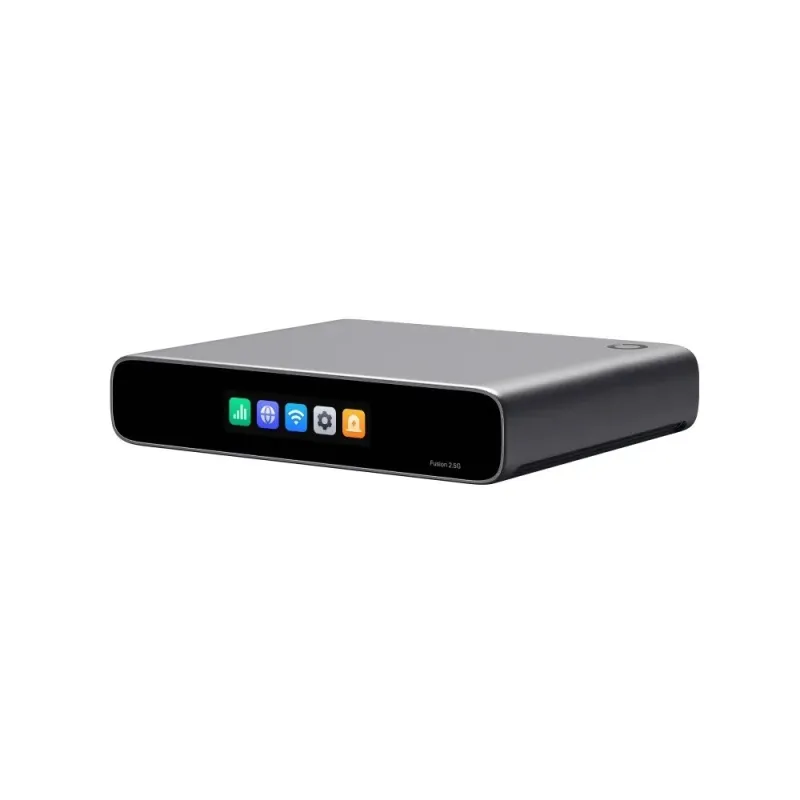
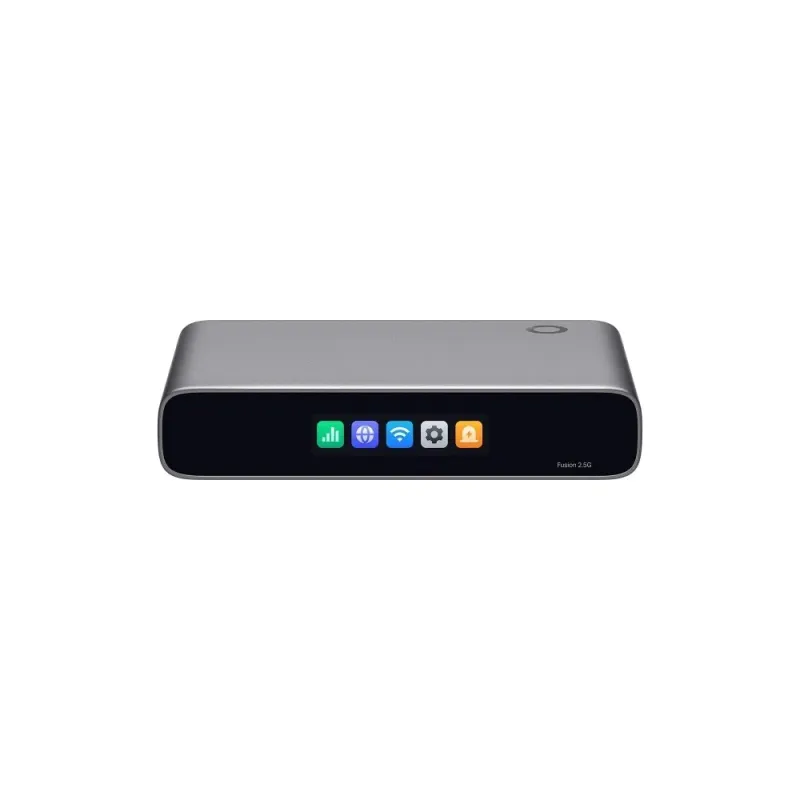
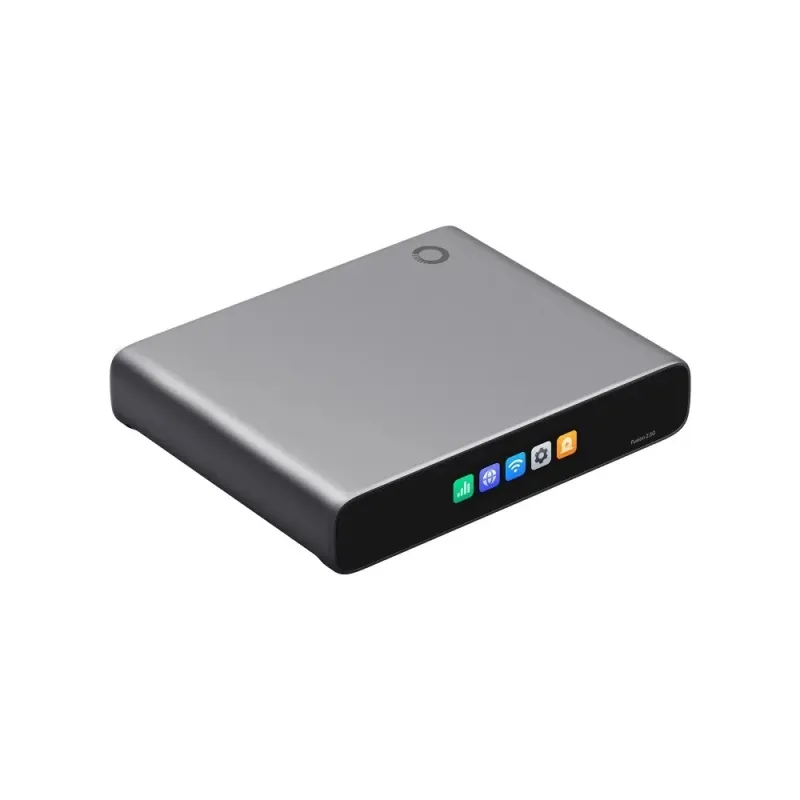
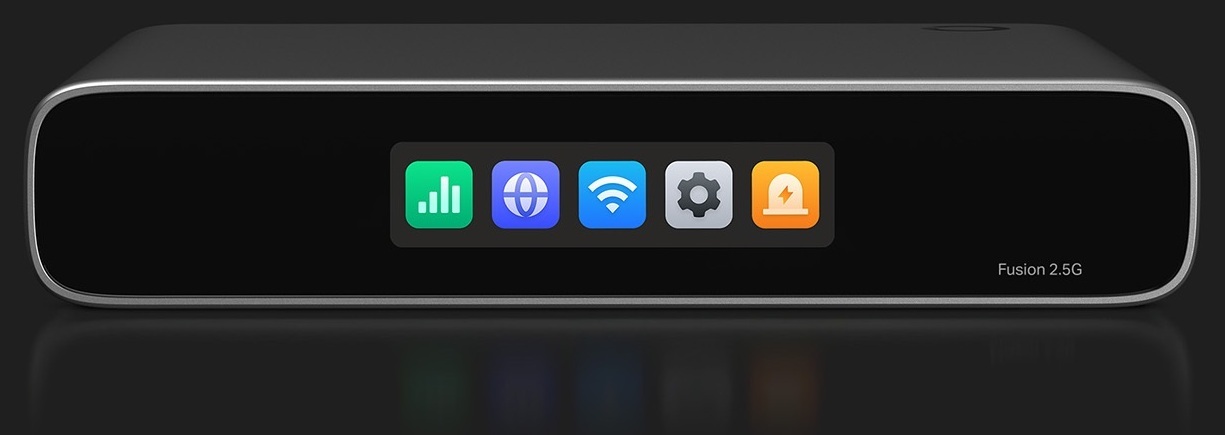
Fusion 2.5G TP-Link Omada Gateway รวม Controller ในตัว พร้อม 5 Port 2.5G รองรับ WAN พร้อมกันสูงสุด 4 Port พร้อม Load Balancing และ Auto Failover จัดการหลาย Site ผ่าน Cloud แบบ License-Free ตั้งค่าผ่าน Bluetooth มีจอสัมผัส 2.51 นิ้ว รองรับ IDS/IPS, LightLink VPN และ Full Mesh SD-WAN

฿0.00
ยังไม่ได้รวมภาษี
จำนวน
20 รายการ


Support / ติดตั้งด้วยทีมงานที่มีความชำนาญ
Certificate


สอบถามข้อมูลสินค้าเพิ่มเติม

LINE ID: @sysnet  โทร: 02 102 4284

Click ต้องการใบเสนอราคา

close

แบบฟอร์มขอใบเสนอราคา


สเปกสินค้า (Quick Spec)
Fusion-2.5G
รายละเอียด

Download Datasheet Fusion-2.5G

Fusion 2.5G TP-Link Omada Gateway พร้อม Controller ในตัว

Fusion 2.5G เป็น Gateway ที่รวม Omada Controller ไว้ในอุปกรณ์เดียว สำหรับธุรกิจขนาดเล็กที่ต้องการจัดการเครือข่ายทั้ง Site เดียวและหลาย Site จากส่วนกลาง รองรับการจัดการผ่าน Cloud, Local และ Omada App โดยไม่ต้องซื้อ Device License เพิ่ม พร้อม CPU Quad-Core และ Port Ethernet 2.5G จำนวน 5 Port

Port 2.5G พร้อม Multi-WAN สำหรับ Internet หลายเส้น

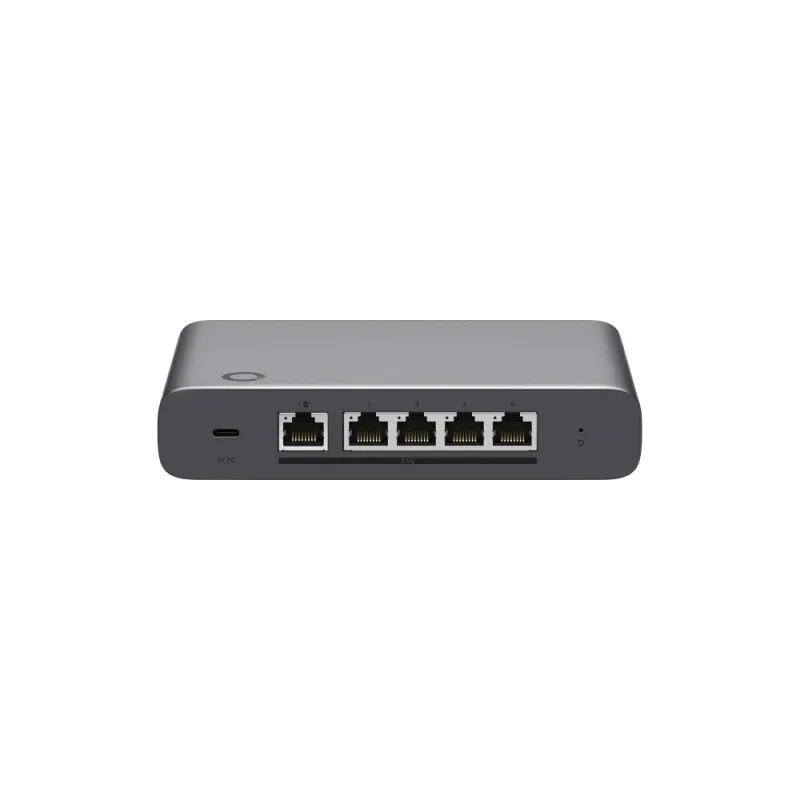
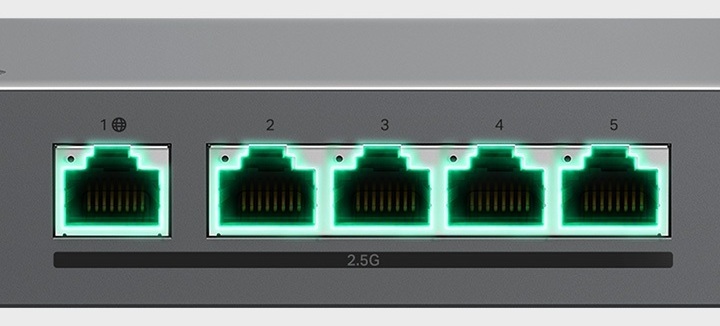
  • 1 Port 2.5G RJ45 WAN และ 4 Port 2.5G RJ45 LAN/WAN
  • ใช้งาน WAN พร้อมกันได้สูงสุด 4 Port รองรับ Load Balancing และ Automatic Multi-WAN Failover
  • เหมาะกับการเชื่อมต่ออุปกรณ์เครือข่าย 2.5G และการวางระบบ Internet สำรองสำหรับสำนักงานหรือร้านค้า

จัดการหลาย Site ผ่าน Cloud แบบ License-Free

Controller ในตัวรองรับการจัดการอุปกรณ์ Omada จากส่วนกลางผ่าน Web และ Omada App ผู้ผลิตแนะนำให้จัดการอุปกรณ์ Omada ไม่เกิน 30 อุปกรณ์ และมี Client เชื่อมต่อไม่เกิน 300 Client รองรับ Network Topology, Dashboard, Logs และการอัปเกรด Firmware แบบกลุ่ม ทั้งนี้ฟังก์ชัน Controller และการจัดการอาจแตกต่างตามอุปกรณ์ Omada ที่เชื่อมต่อ เวอร์ชัน Software และรูปแบบการติดตั้ง

ติดตั้ง Fusion 2.5G ผ่าน Bluetooth และตรวจสอบผ่านจอสัมผัส

เริ่มตั้งค่าผ่าน Bluetooth ด้วย Omada App พร้อมค้นหาและ Adopt อุปกรณ์ Omada แบบกลุ่มโดยอัตโนมัติ จอสัมผัสสีขนาด 2.51 นิ้วแสดงสถานะเครือข่าย ผลทดสอบความเร็ว การแจ้งเตือน และ Traffic แบบ Realtime ช่วยตรวจสอบปัญหาเบื้องต้นจากตัวเครื่อง

ควบคุม Application และป้องกันภัยเครือข่าย

รองรับ IDS/IPS, DPI, Application-Based ACL, Content Filtering และ Ad Blocking สำหรับกำหนดนโยบายการใช้งานเครือข่าย พร้อม Auto QoS ที่เลือกใช้ Profile สำเร็จรูปหรือปรับแต่งกฎเพื่อจัดลำดับความสำคัญของ Traffic ได้ ค่า IPS Throughput ในเอกสารอยู่ที่ Upload 2,183 Mbps และ Download 2,152 Mbps โดยประสิทธิภาพจริงขึ้นอยู่กับ Traffic ฟังก์ชันที่เปิดใช้งาน และสภาพแวดล้อมเครือข่าย

Remote Access และเชื่อมต่อสาขาด้วย VPN และ SD-WAN

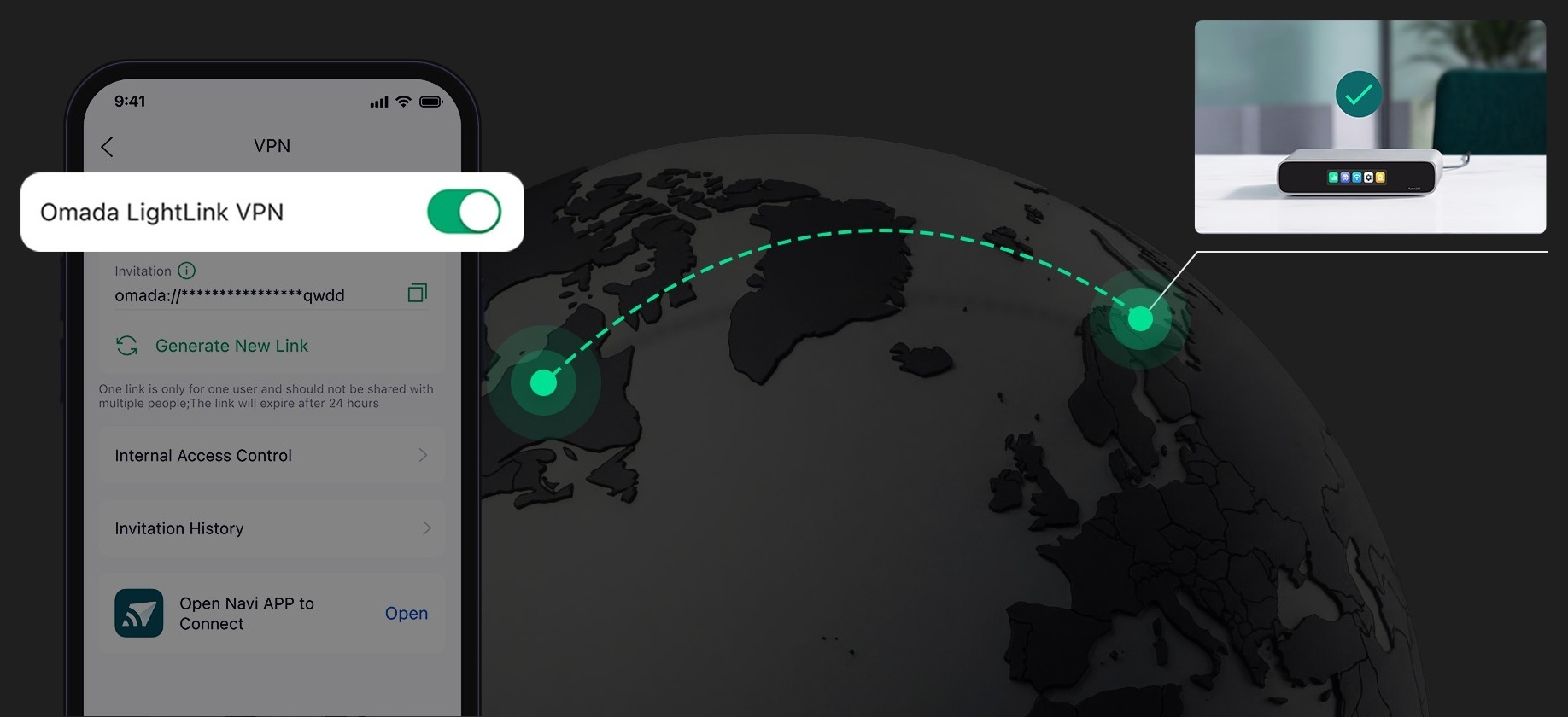
Omada LightLink VPN รองรับการเข้าถึงเครือข่ายจากระยะไกล พร้อม Smart Split Tunneling เพื่อส่งเฉพาะ Traffic ที่กำหนดผ่าน VPN นอกจากนี้ยังรองรับ Site-to-Site VPN แบบ WireGuard และ IPsec รวมถึง Full Mesh SD-WAN สำหรับเชื่อมต่อสูงสุด 20 Site โดยการตั้งค่า SD-WAN ต้องทำผ่าน Omada Cloud Portal เท่านั้น

รูปแบบติดตั้งสำหรับสำนักงานและร้านค้า

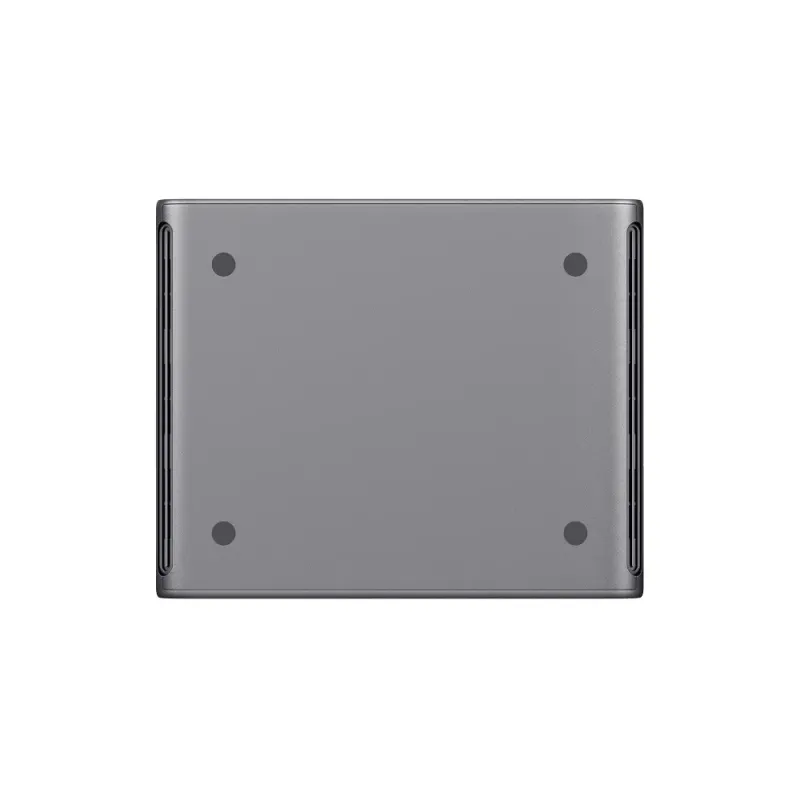
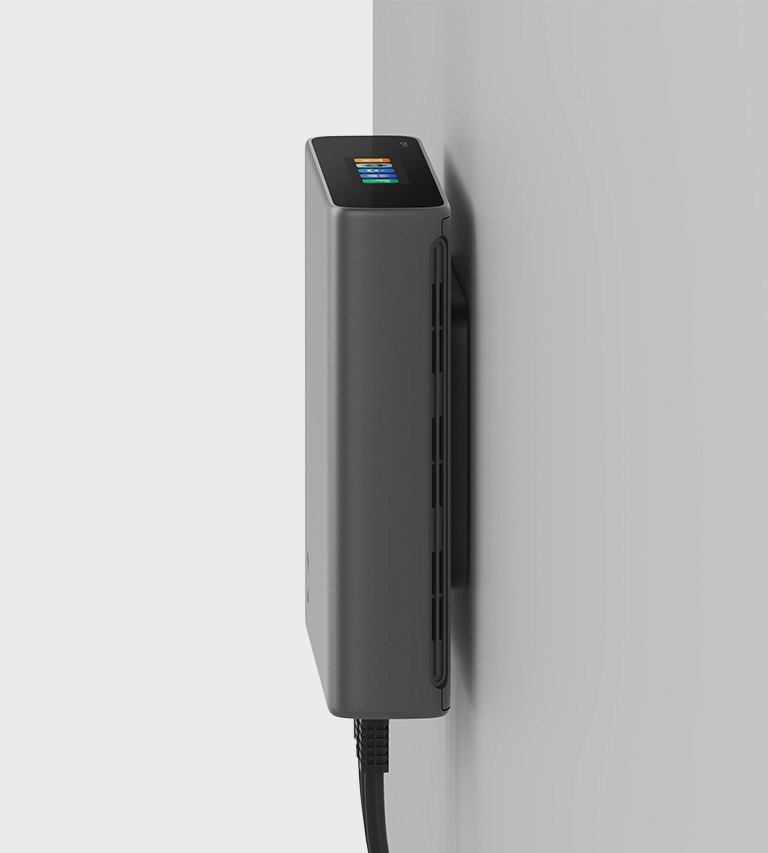
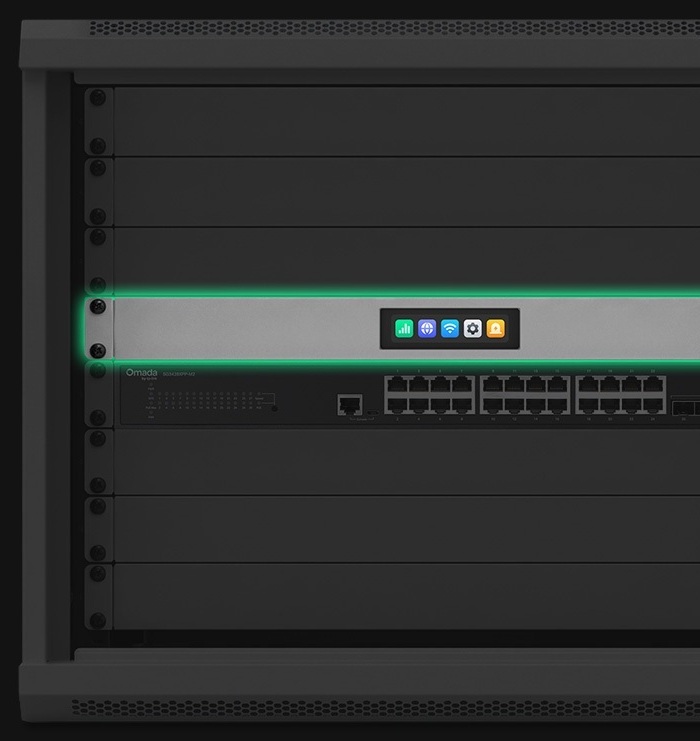
ตัวเครื่องเป็นแบบ Fanless รองรับการวางบนโต๊ะ ติดผนัง และติดตั้งใน Rack เหมาะกับสำนักงานขนาดเล็ก ร้านอาหาร ร้านค้าหลายสาขา และคลินิกที่ต้องการจัดการเครือข่ายจากส่วนกลาง แผ่นยึดแม่เหล็กสำหรับติดผนังและชุดติดตั้ง Rack จำหน่ายแยก

Fusion 2.5G Specifications

Identity
ModelFusion 2.5G
BrandTP-Link
Overview
Device TypeOmada Gateway พร้อม Controller ในตัว
Interfaces
Ethernet Ports1× 2.5G RJ45 WAN Port และ 4× 2.5G RJ45 LAN/WAN Port
Simultaneous WAN Portsใช้งาน WAN พร้อมกันสูงสุด 4 Port
Hardware
CPUQuad-Core CPU
Memory2 GB DDR4
Touchscreenจอสัมผัสสี LCM ขนาด 2.51 นิ้ว
CoolingFanless ไม่มีพัดลม
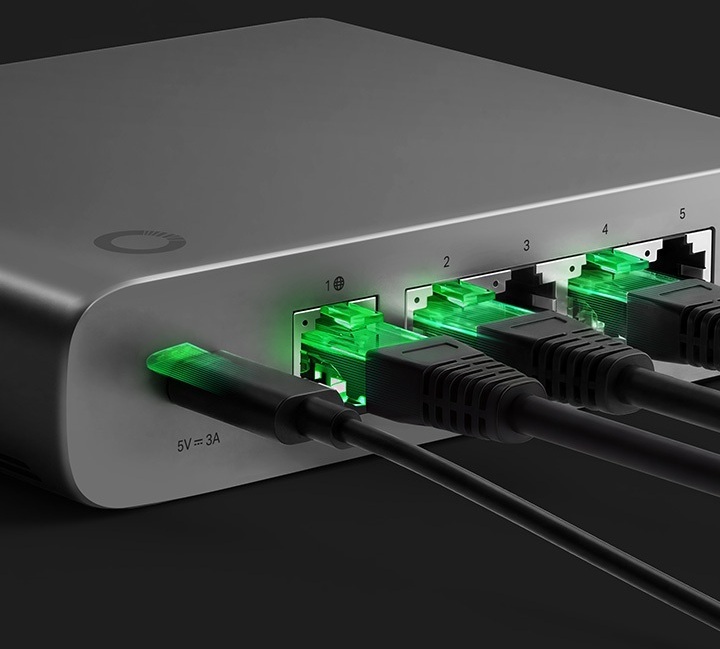
Power SupplyUSB Type C, 5V DC / 3A พร้อม Adapter
Dimensions160 × 130 × 31.5 mm
Surge Protection4 kV
Management
Cloud Licenseจัดการผ่าน Cloud แบบ License-Free โดยไม่ต้องซื้อ License เพิ่ม
Management MethodsCloud, Local และ Omada App
Recommended Managed Devicesแนะนำให้จัดการอุปกรณ์ Omada ไม่เกิน 30 อุปกรณ์
Recommended Connected Clientsแนะนำให้มี Client เชื่อมต่อไม่เกิน 300 Client
Onboardingตั้งค่าเริ่มต้นผ่าน Bluetooth หรือ Ethernet
Bulk Device Adoptionค้นหาและ Adopt อุปกรณ์ Omada แบบกลุ่มผ่าน Omada App
Controller Feature Conditionsฟังก์ชัน Controller และการจัดการอาจแตกต่างตามอุปกรณ์ Omada ที่เชื่อมต่อ เวอร์ชัน Software และรูปแบบการติดตั้ง
Networking
Multi-WANรองรับ Multi-WAN Load Balancing และ Automatic Failover
VLANรองรับ 802.1Q VLAN
RoutingStatic Routing และ Policy Routing
QoSจัดลำดับความสำคัญของ Traffic ด้วย Profile สำเร็จรูปหรือกฎที่ปรับแต่งเอง
Security
IDS/IPSตรวจจับภัยคุกคามด้วย Signature-Based IPS/IDS
Application Access Controlควบคุมการเข้าถึงตาม Application และหมวดหมู่
Content Filteringรองรับ URL Category, Ad Block, Allow List และ Block List
Secure DNSDNSSEC, DoH, DoT และ DNS Redirection
Performance
Concurrent Sessions150,000 Sessions
New Sessions per Second7,800 Sessions/Second
IPS ThroughputUpload 2,183 Mbps / Download 2,152 Mbps
DPI ThroughputUpload 2,206 Mbps / Download 2,219 Mbps
VPN ThroughputOmada LightLink VPN 527 Mbps, WireGuard VPN 605 Mbps และ OpenVPN 223 Mbps
Performance Conditionsประสิทธิภาพจริงอาจแตกต่างตาม Traffic ฟังก์ชันที่เปิดใช้งาน และสภาพแวดล้อมเครือข่าย
VPN & SD-WAN
Site-to-Site VPNWireGuard VPN และ IPsec VPN
LightLink Smart Split TunnelingOmada LightLink VPN พร้อม Smart Split Tunneling ส่งเฉพาะ Traffic ที่กำหนดผ่าน VPN
LightLink Client LimitLightLink VPN รองรับสูงสุด 253 Client
Full Mesh SD-WANเชื่อมต่อสูงสุด 20 Site แม้แต่ละ Site ไม่มี Public IP
SD-WAN Configurationตั้งค่า SD-WAN ผ่าน Omada Cloud Portal เท่านั้น
Installation
Mountingวางบนโต๊ะ ติดผนัง หรือติดตั้งใน Rack โดยแผ่นยึดแม่เหล็กและชุดติดตั้ง Rack จำหน่ายแยก
Environment
Operating Temperature-10 °C ถึง 40 °C
Warranty
WarrantyLifetime Warranty ตามเงื่อนไขการรับประกันของร้าน

Omada Fusion 2.5G

Fast to Deploy. Built to Last.

Fusion-2.5G — Omada Fusion 2.5G

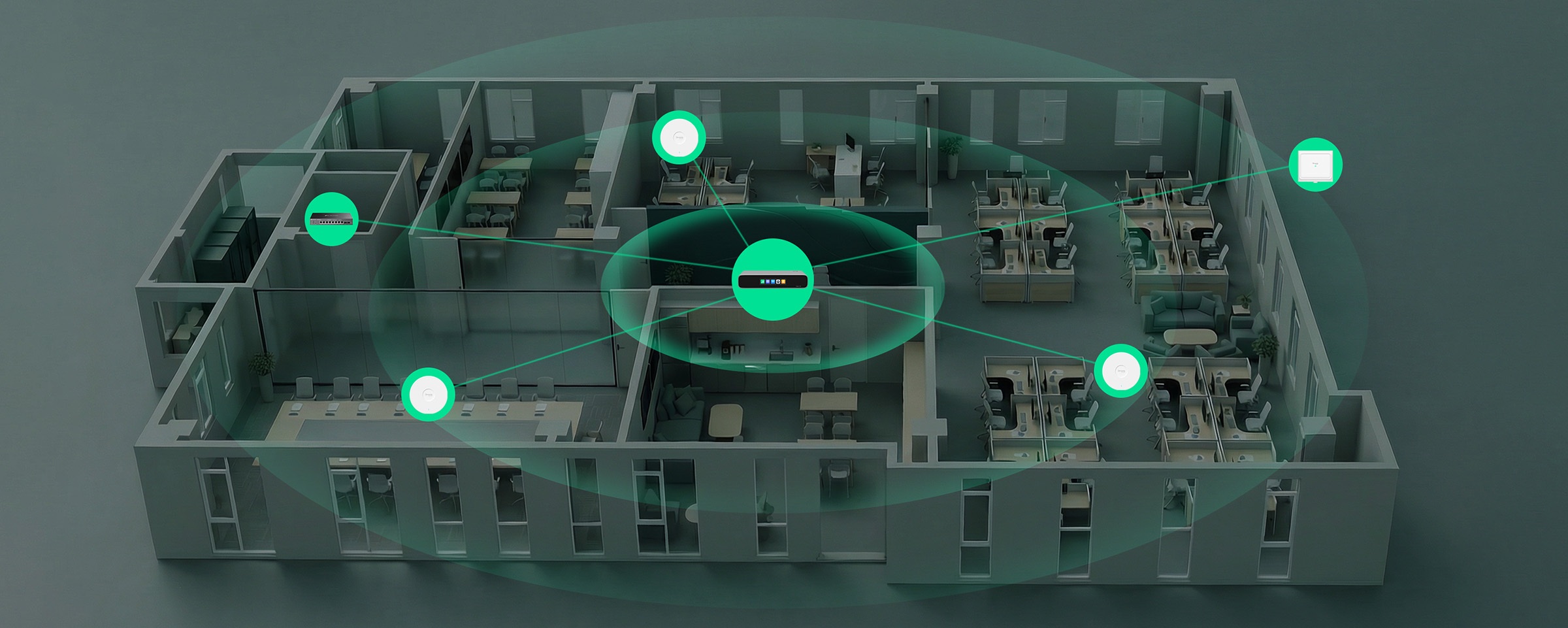
Fusion Gateway at the Center of the Omada Networking Ecosystem

Gateway and controller integrated into a single device, delivering a unified solution that combines networking and centralized management at the core of the Omada networking ecosystem—ideal for single‑ and multi‑site small businesses.

Fusion-2.5G — Fusion Gateway at the Center of the Omada Networking Ecosystem

License-Free Cloud Management, Lower Ongoing Costs

Built-in Controller, No Device License Centralized Multi-Site Management Remote Cloud Control via Web/App

Fusion-2.5G — License-Free Cloud Management, Lower Ongoing Costs

High-Performance Quad‑Core CPU

Provides fast processing for stable gateway and controller performance.

High-Performance Quad-Core CPU

Full 2.5G Ports for Ultra‑Fast Connectivity

Handles Wi‑Fi 7 access points and high‑speed NAS traffic without performance bottlenecks. • Up to 4-WAN Load Balancing • Automatic Multi-WAN Failover

Full 2.5G Ports

IPS/IDS at 2.1 Gbps*

Provides strong protection while maintaining high network performance.

IPS/IDS

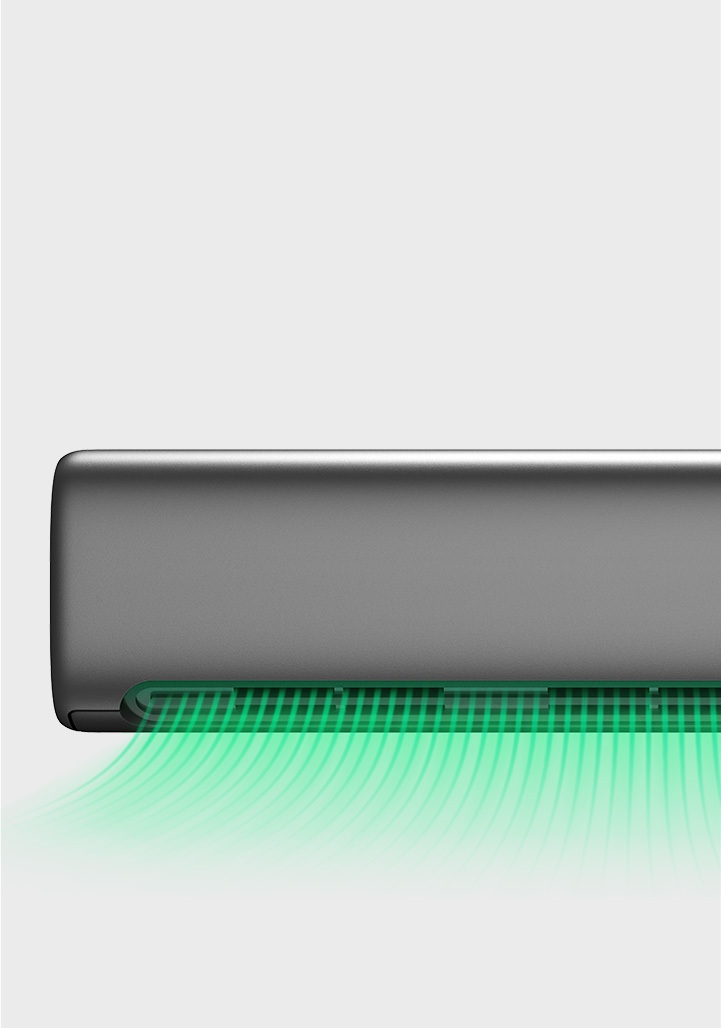
Superior Thermal Design

Fanless cooling for silent operation and reliable performance.

Thermal Design

Secure Remote Network Access, One Click Away

With Omada LightLink VPN, you can securely access your network from anywhere with one click. Powered by Smart Split Tunneling, only essential traffic goes through the VPN, reducing unnecessary VPN load and preserving a smooth user experience.

Fusion-2.5G — Secure Remote Network Access, One Click Away

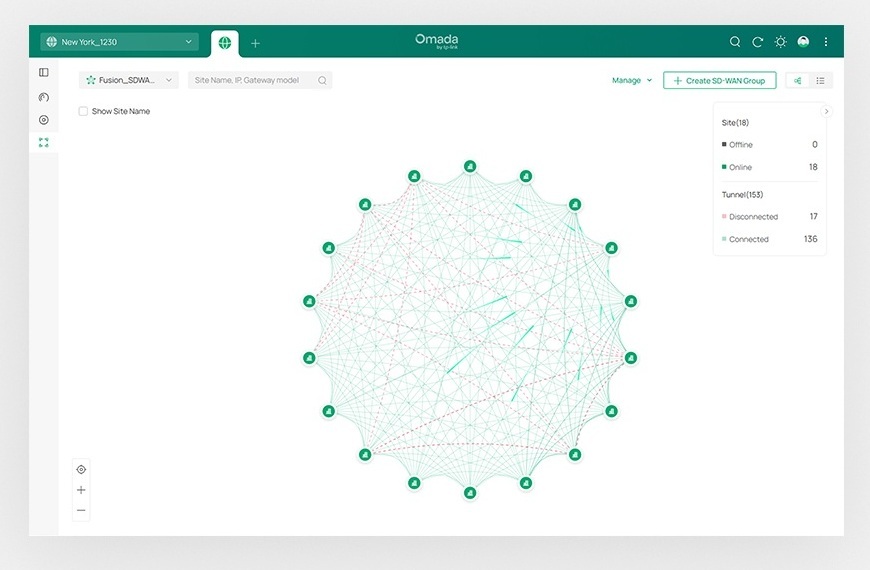
Multi-Site Connectivity via Full Mesh SD-WAN

Connect up to 20 sites in minutes with direct inter-site links—simpler to deploy, smoother for multi-site networking.

Fusion-2.5G — Multi-Site Connectivity via Full Mesh SD-WAN

Content Filtering & Ad Blocking

Blocks unwanted sites and intrusive ads for a safer, cleaner experience.

Fusion-2.5G — Content Filtering & Ad Blocking

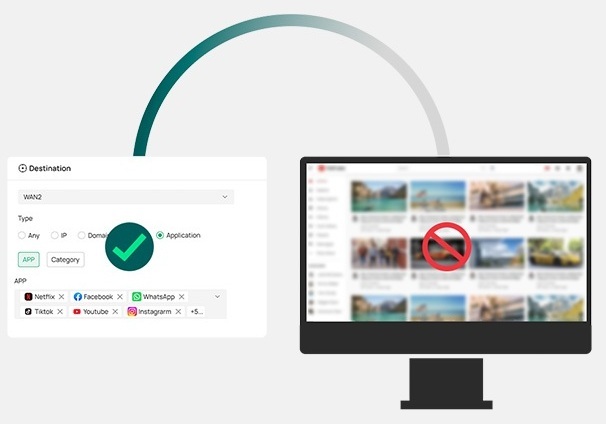
App-Based Access Control

Easily manage access by app and category. Control access intuitively with simple, clearly defined policies.

Fusion-2.5G — App-Based Access Control

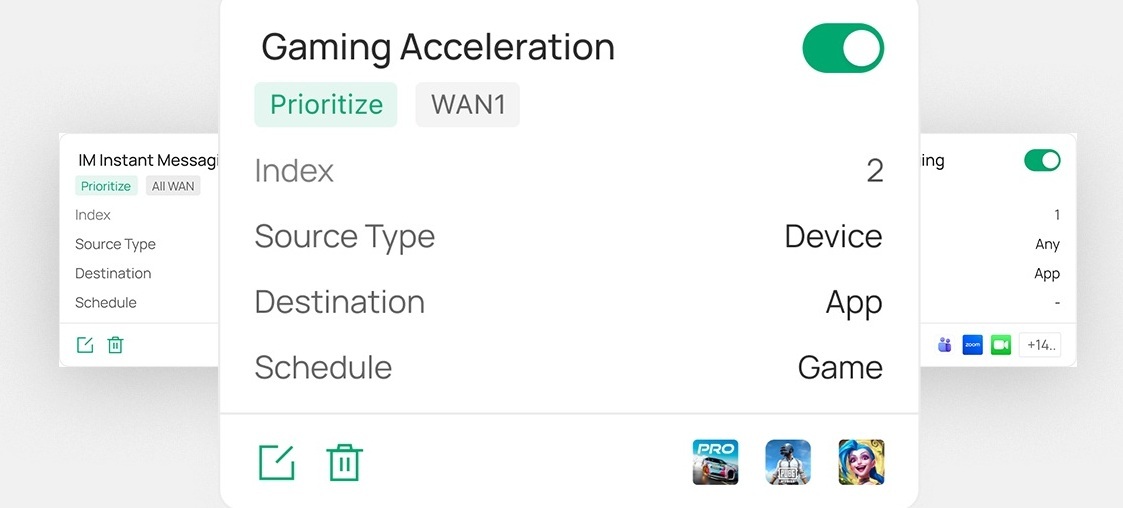
One-Click Auto QoS

Ensure critical traffic always gets priority, with one-click presets or full customization.

Fusion-2.5G — One-Click Auto QoS

Desktop

No Additional Installation Needed

Desktop Mounting

Wall-Mountable

Magnetic-Mount Plate Needed**

Wall Mounting

Rack-Mountable

Rack‑Mount Kit Needed**

Rack Mounting

Small Chain Stores

Small Chain Stores

Small Restaurants

Small Restaurants

Small Offices

Small Offices

Medical Clinics

Medical Clinics


ความคิดเห็น (0)
คะแนน

Follow us on Facebook