Download Datasheet Fusion-G
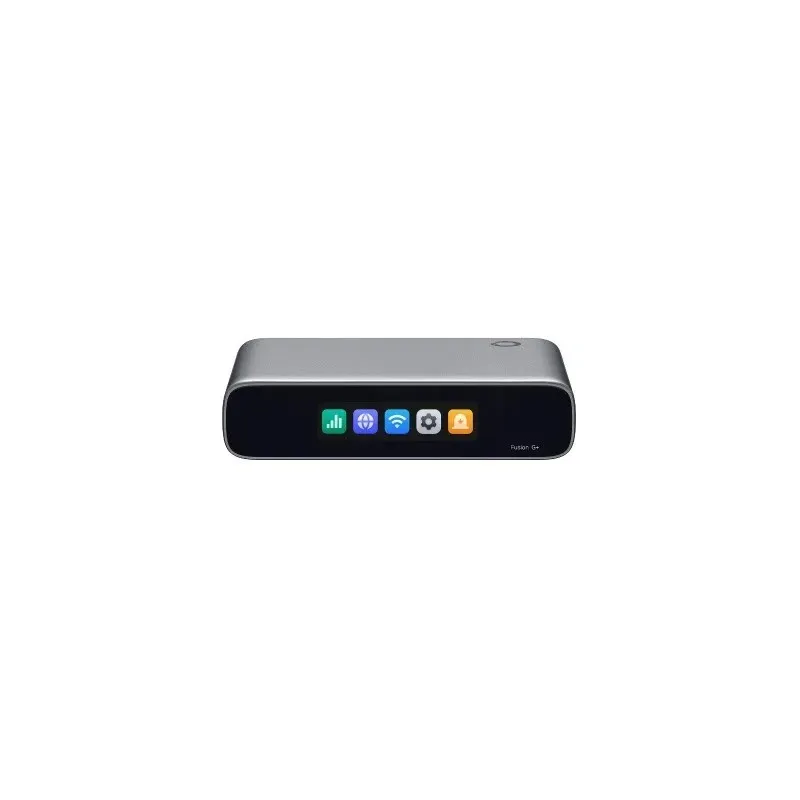
Fusion G+ TP-Link Omada Gateway พร้อม Controller ในตัว
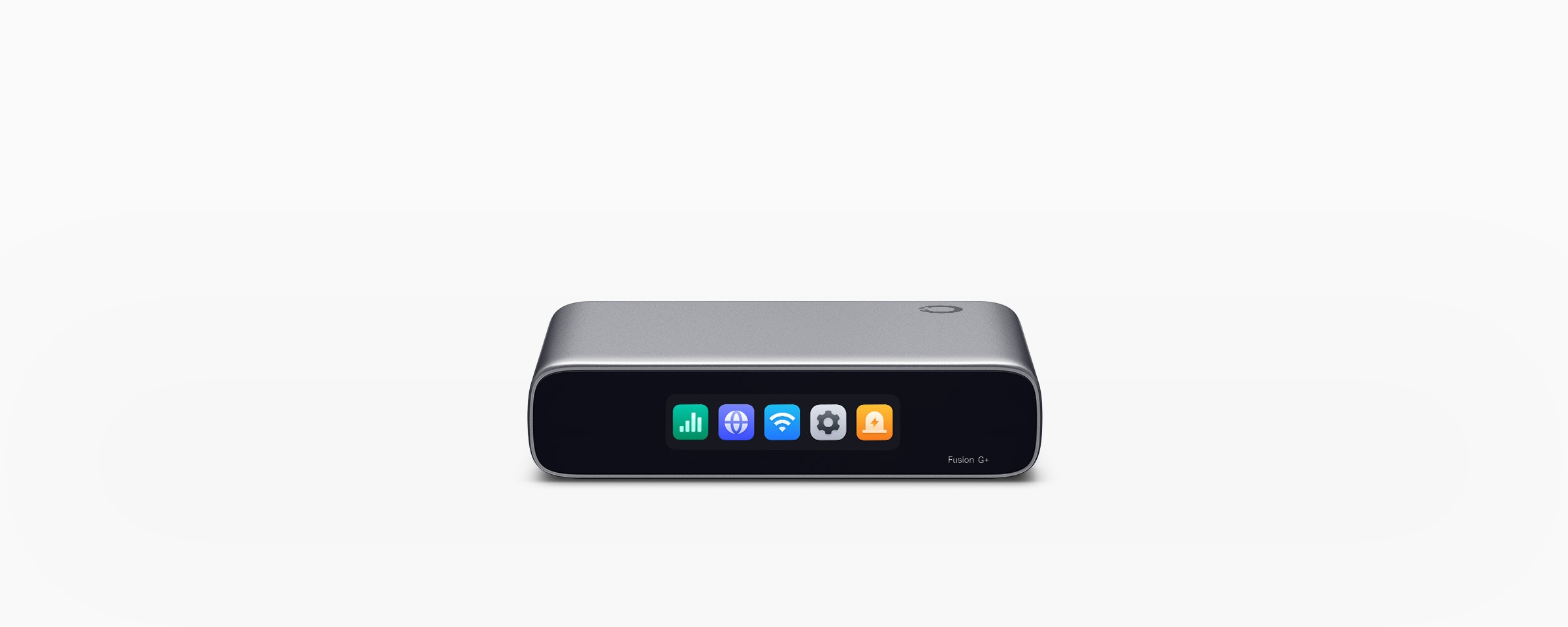
Fusion G+ เป็น Omada Gateway ที่รวม Controller ไว้ในอุปกรณ์เดียว สำหรับจัดการเครือข่ายและอุปกรณ์ Omada จากส่วนกลาง รองรับการบริหารผ่าน Cloud, Local และ Omada App โดยการจัดการ Cloud ไม่ต้องซื้อ License เพิ่ม เหมาะกับสำนักงานขนาดเล็ก ร้านอาหาร คลินิก และร้านค้าที่ต้องการดูแลเครือข่ายหลาย Site
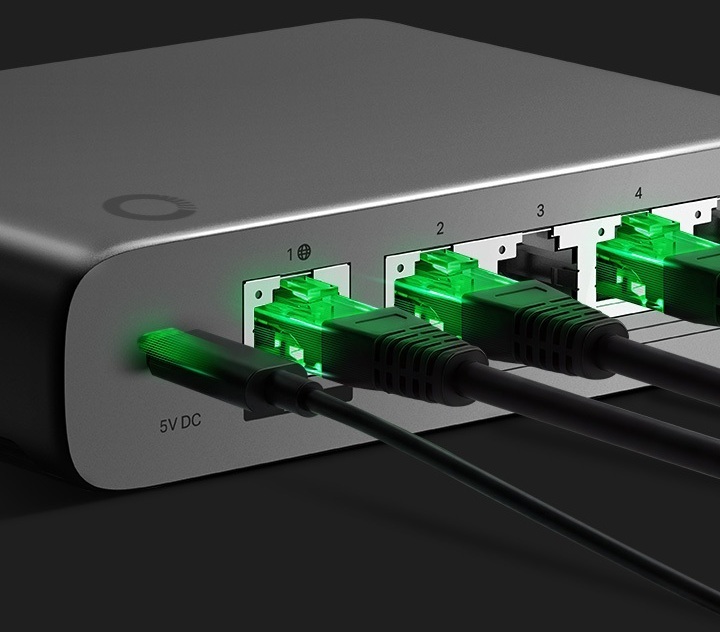
5 Port Ethernet พร้อม 2.5G WAN และ Multi-WAN
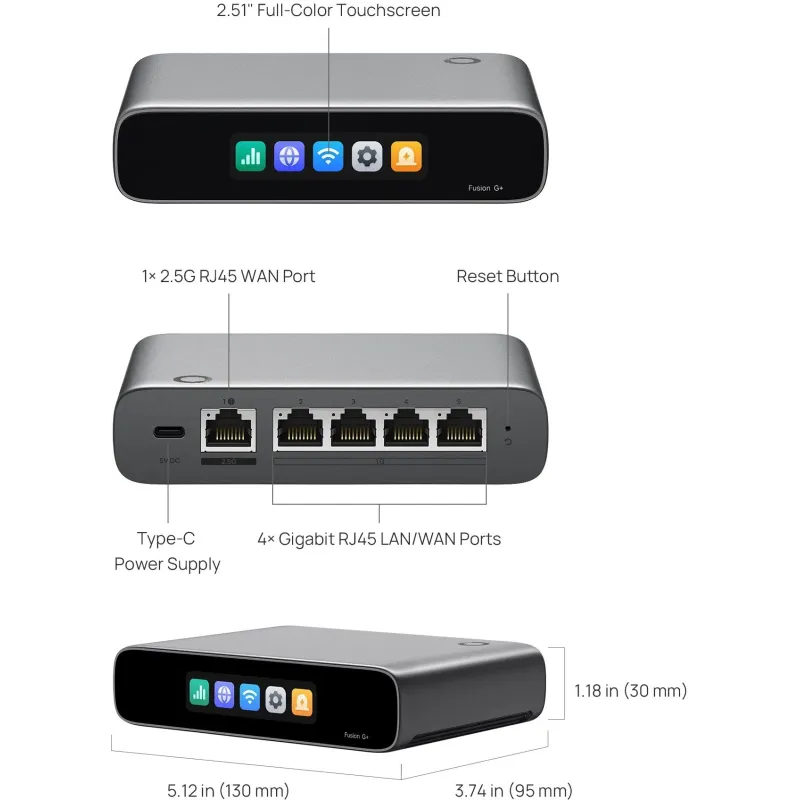
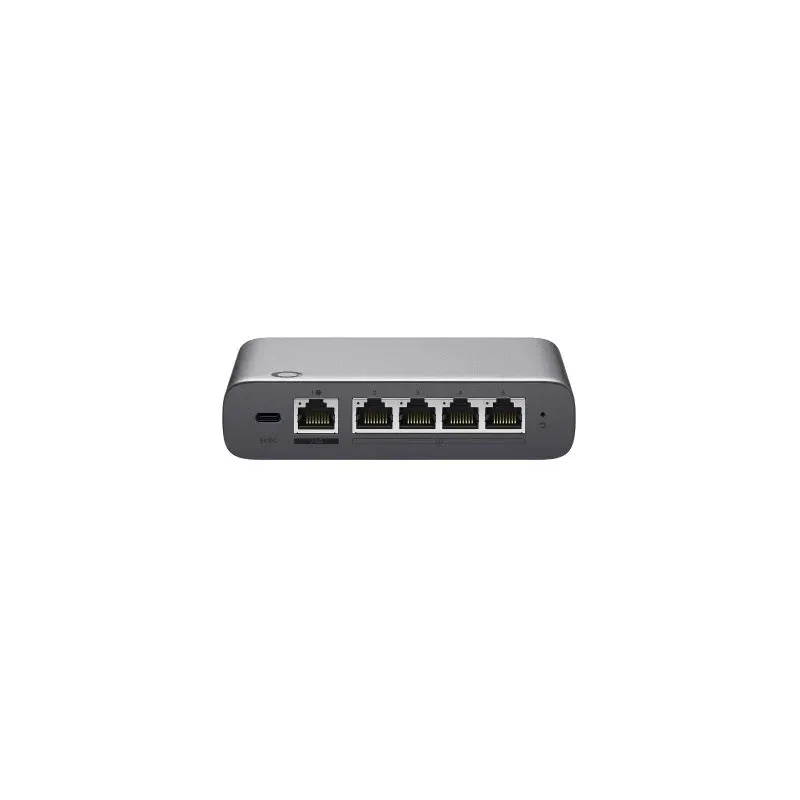
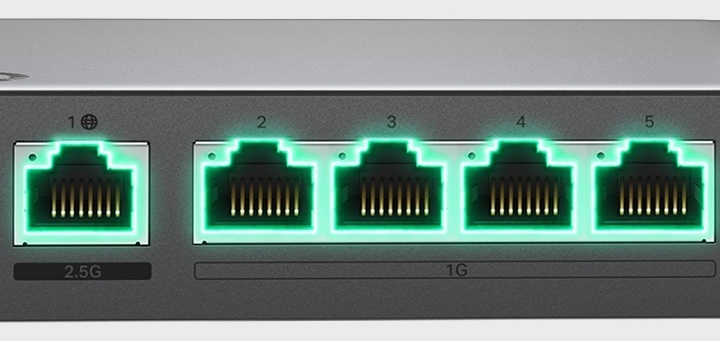
มี 1× 2.5G RJ45 WAN Port และ 4× Gigabit RJ45 LAN/WAN Port รองรับการใช้งาน WAN พร้อมกันสูงสุด 4 Port พร้อม Load Balancing เพื่อกระจาย Traffic และ Auto Failover สำหรับสลับไปใช้ Link ที่ยังทำงานเมื่อ Internet เส้นหนึ่งขัดข้อง ประมวลผลด้วย CPU Quad-Core และหน่วยความจำ 2 GB DDR4
จัดการ Cloud และติดตั้งผ่าน Bluetooth
ตั้งค่าเริ่มต้นผ่าน Bluetooth ด้วย Omada App พร้อมค้นหาและรับอุปกรณ์ Omada เข้าระบบแบบกลุ่ม ช่วยลดขั้นตอนการติดตั้ง Controller ในตัวรองรับการดู Network Topology, Dashboard, Logs และการอัปเกรด Firmware แบบกลุ่ม โดยผู้ผลิตแนะนำการจัดการอุปกรณ์ Omada สูงสุด 30 อุปกรณ์ และ Client ที่เชื่อมต่อสูงสุด 300 เครื่อง ทั้งนี้ความสามารถจริงขึ้นอยู่กับอุปกรณ์ที่เชื่อมต่อ เวอร์ชันซอฟต์แวร์ รูปแบบติดตั้ง และสภาพเครือข่าย
ตรวจสอบเครือข่ายบนจอสัมผัสของ Fusion G+
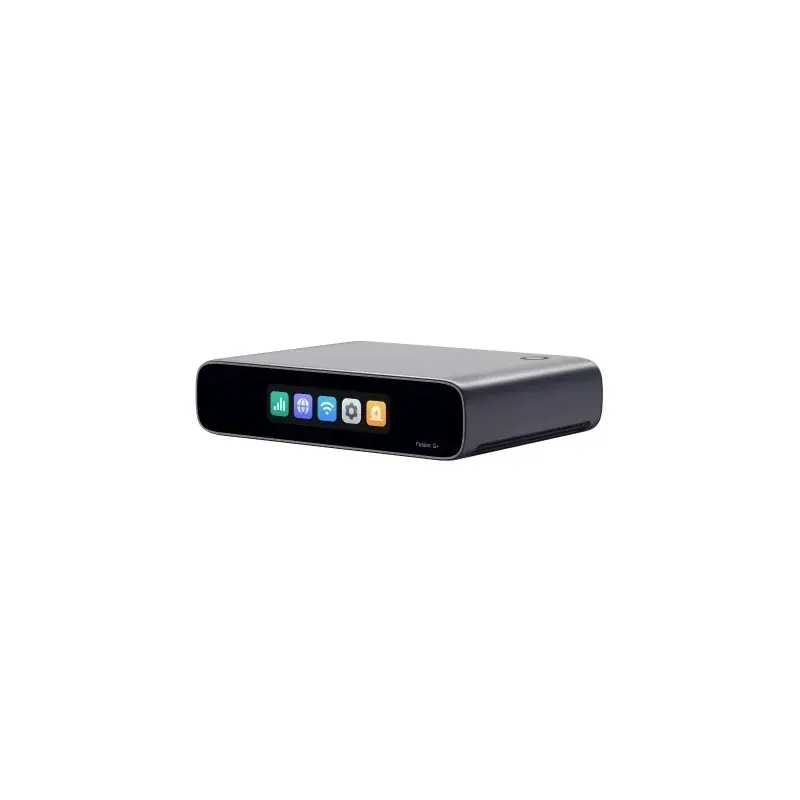
จอสัมผัสสี LCM ขนาด 2.51 นิ้ว ใช้ดูสถานะสุขภาพเครือข่าย ทดสอบความเร็ว ตรวจสอบการแจ้งเตือน และติดตาม Traffic แบบ Realtime เพื่อวิเคราะห์ปัญหาเบื้องต้นได้จากตัวเครื่อง เหมาะกับจุดติดตั้งที่ต้องการตรวจสอบสถานะโดยไม่ต้องเปิดคอมพิวเตอร์ทุกครั้ง
ควบคุม Application และจัดลำดับความสำคัญของ Traffic
- IDS/IPS และ DPI: ตรวจจับภัยคุกคามและตรวจสอบ Traffic เพื่อช่วยกำหนดนโยบายเครือข่าย
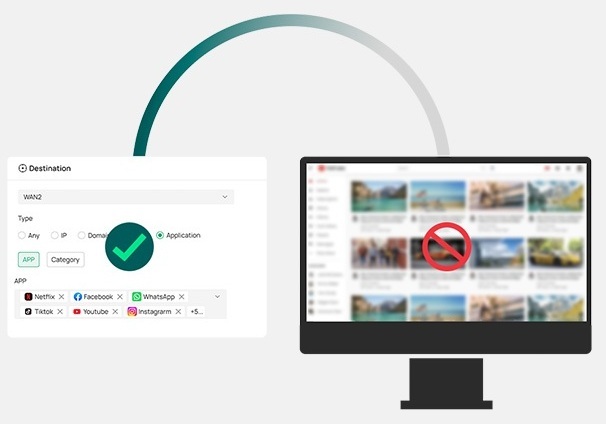
- Application-Based ACL: กำหนดสิทธิ์การเข้าถึงตาม Application และหมวดหมู่
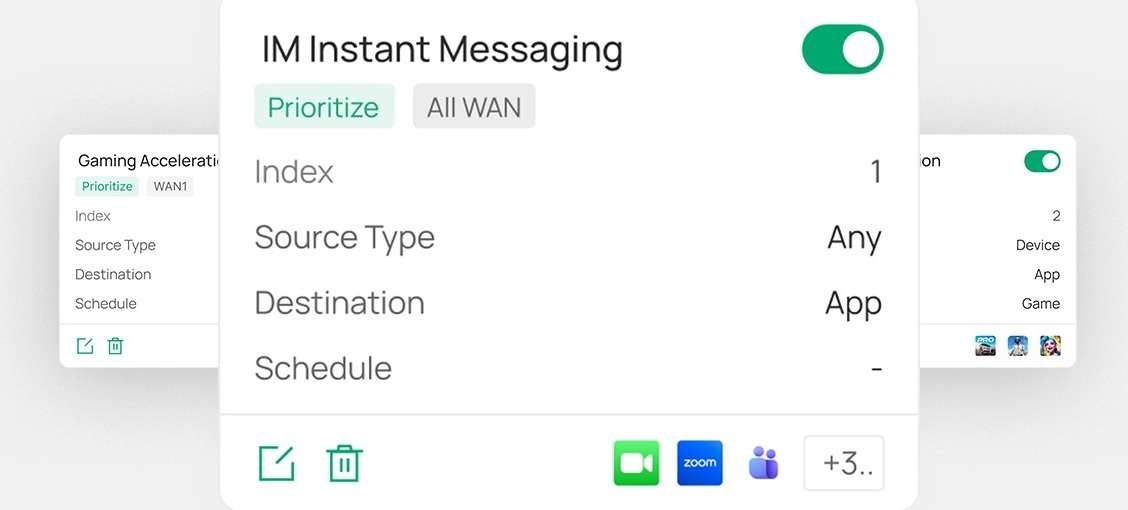
- One-Click Auto QoS: จัดลำดับความสำคัญของ Traffic ด้วย Profile สำเร็จรูปหรือปรับแต่งกฎเอง
- Content Filtering และ Ad Blocking: กรองเว็บไซต์ตามหมวดหมู่ พร้อม Allow List และ Block List
ค่า IPS Throughput จากการทดสอบในห้องปฏิบัติการอยู่ที่ Upload 2,183 Mbps และ Download 2,152 Mbps โดยใช้ 1 WAN Port และ 3 LAN Port ประสิทธิภาพใช้งานจริงขึ้นอยู่กับ Traffic ฟีเจอร์ที่เปิดใช้งาน และสภาพแวดล้อมเครือข่าย
Remote Access และเชื่อมต่อหลาย Site
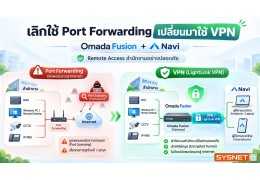
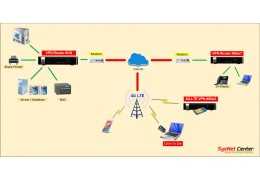
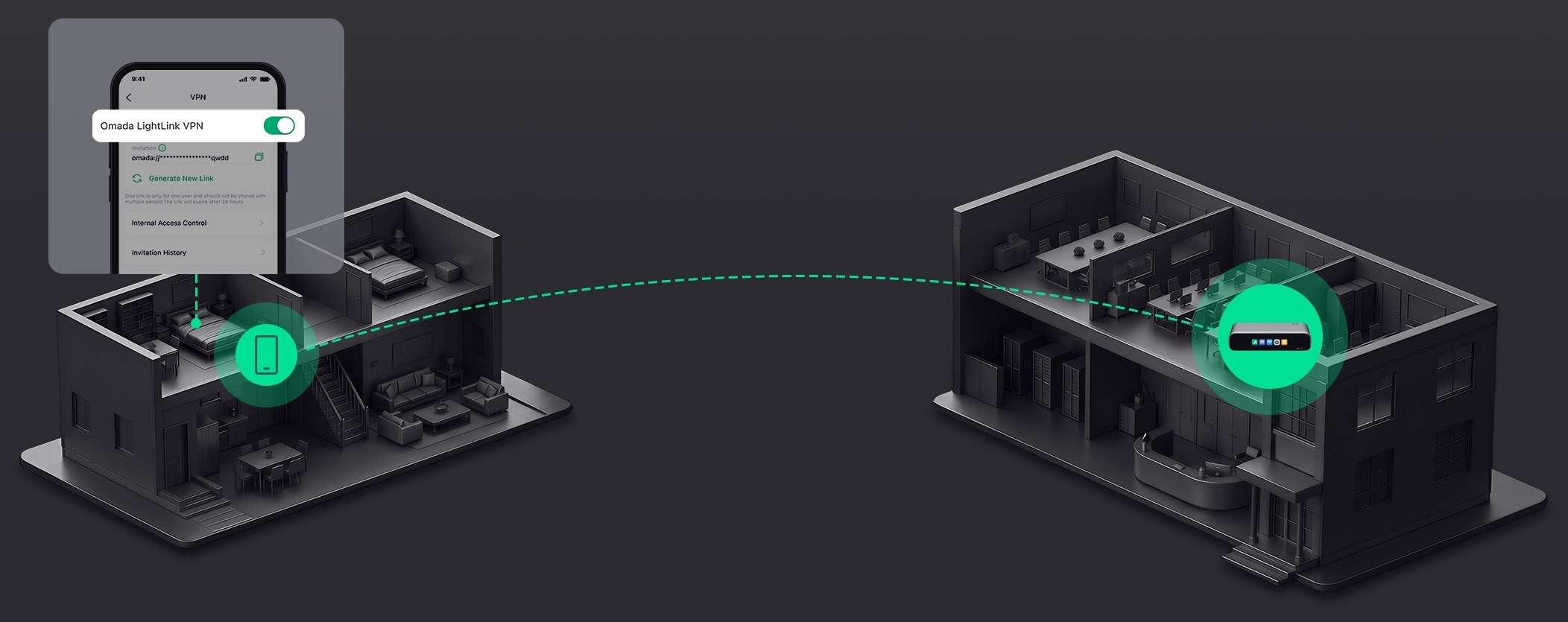
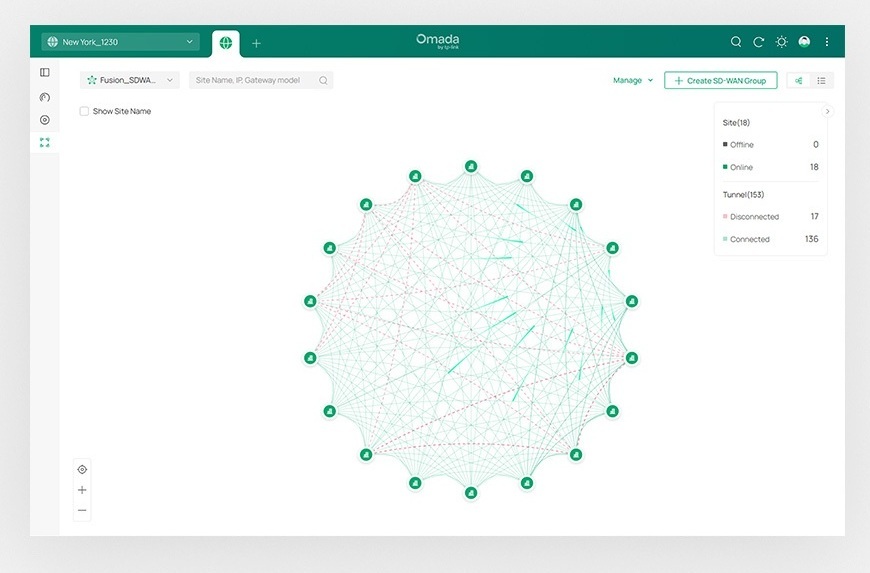
Omada LightLink VPN รองรับการเข้าถึงเครือข่ายจากระยะไกล พร้อม Smart Split Tunneling ที่ส่งเฉพาะ Traffic จำเป็นผ่าน VPN นอกจากนี้ยังรองรับ Site-to-Site VPN แบบ WireGuard และ IPsec รวมถึง Full-Mesh SD-WAN สำหรับเชื่อมต่อสูงสุด 20 Site แม้แต่ละ Site ไม่มี Public IP โดยต้องตั้งค่า SD-WAN ผ่าน Omada Cloud Portal
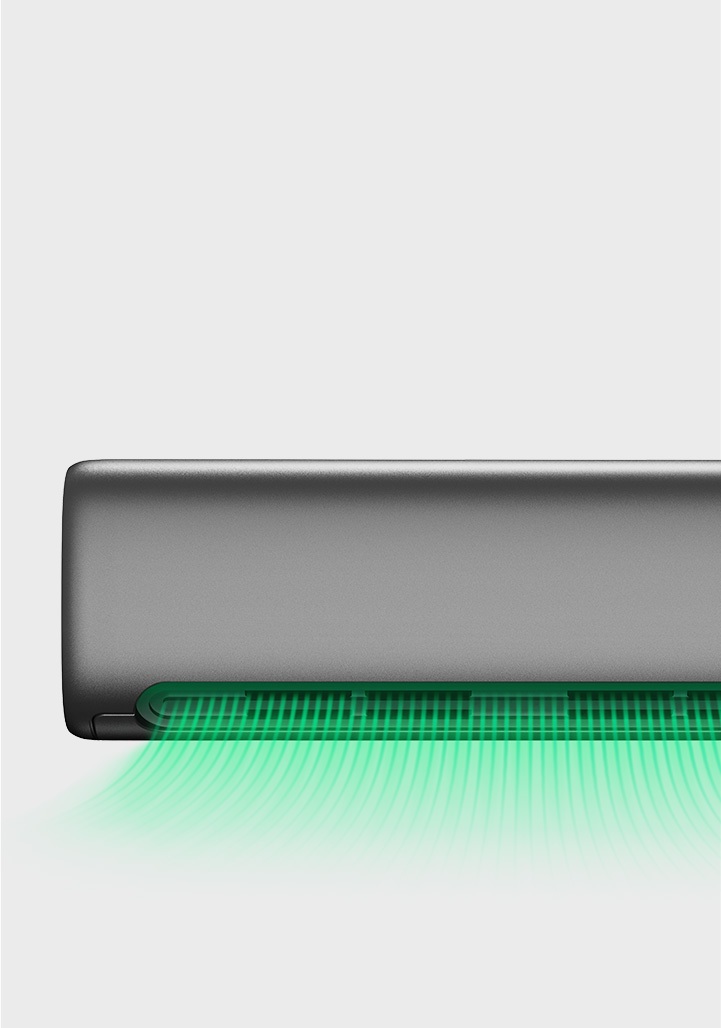
ตัวเครื่อง Fanless และทางเลือกการติดตั้ง
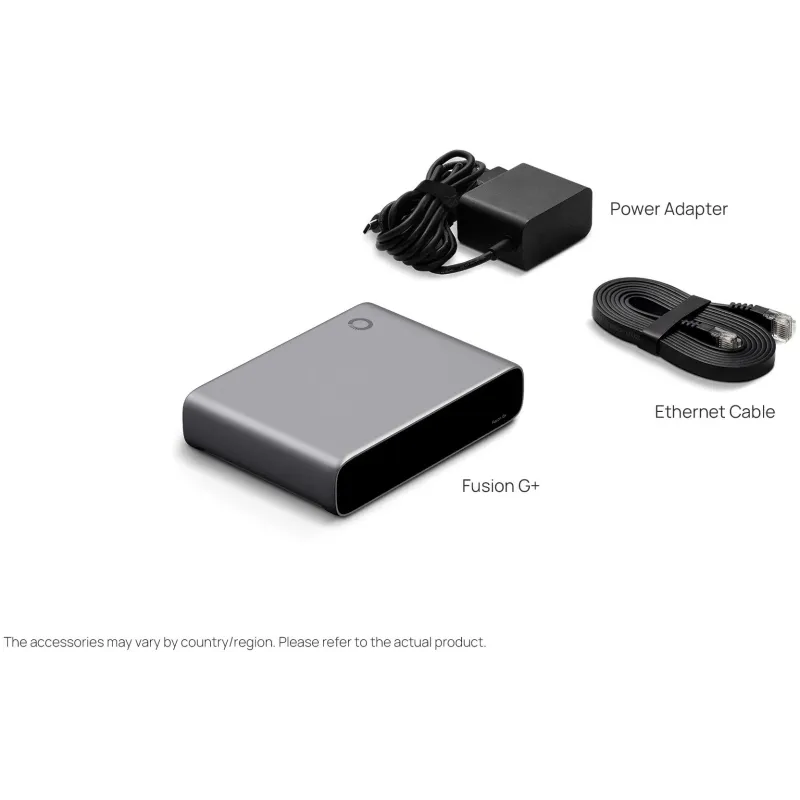
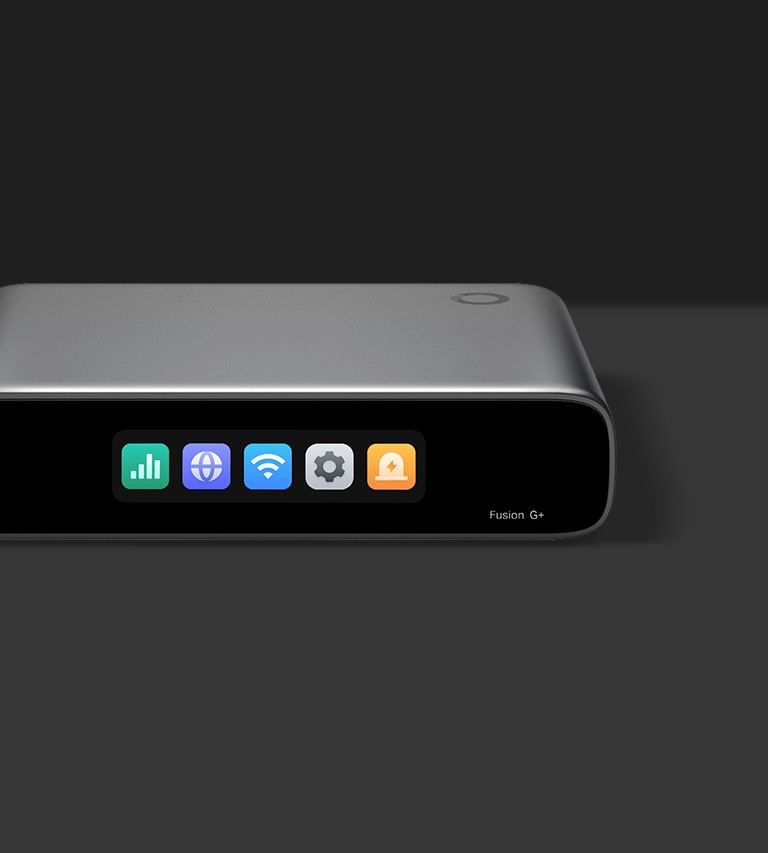
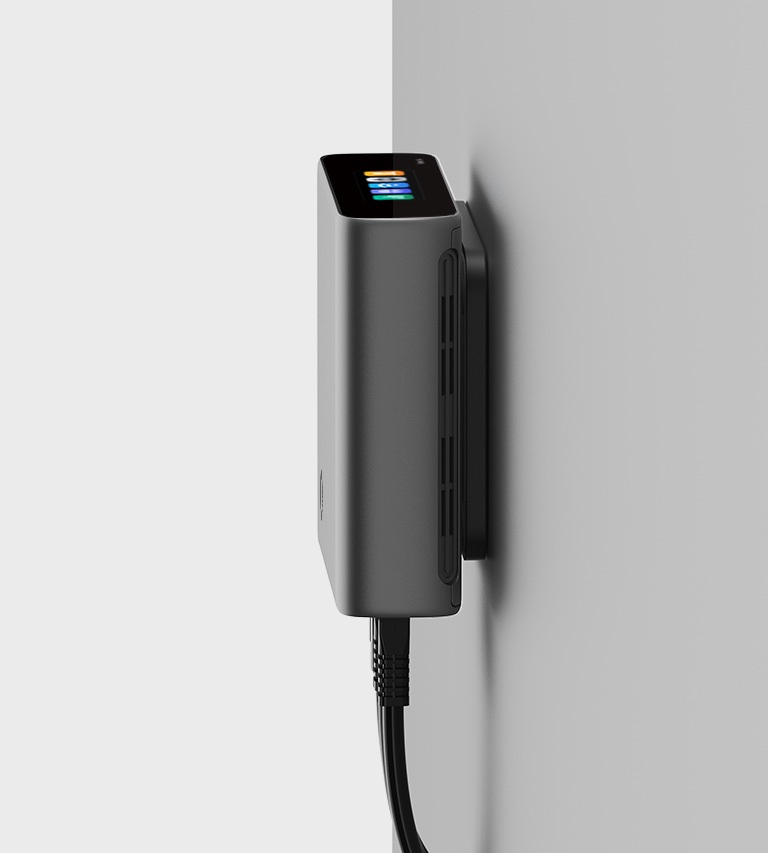
ตัวเครื่องแบบ Fanless ขนาด 130 × 95 × 30 mm น้ำหนัก 351 g ใช้ไฟผ่าน USB-C และมี Adapter ให้ รองรับการวางบนโต๊ะ ติดผนัง หรือติดตั้งใน Rack โดยแผ่นยึดแม่เหล็กสำหรับติดผนังและชุดติดตั้ง Rack จำหน่ายแยก
Fusion G+ Specifications
| Identity |
| Model | Fusion G+ |
| Brand | TP-Link |
| Management |
| Integrated Controller | Gateway พร้อม Omada Controller ในตัว |
| Cloud License | จัดการผ่าน Cloud โดยไม่ต้องซื้อ License เพิ่ม รองรับการจัดการหลาย Site จากส่วนกลาง |
| Management Methods | Cloud, Local และ Omada App |
| Recommended Managed Devices | แนะนำสำหรับจัดการอุปกรณ์ Omada สูงสุด 30 อุปกรณ์ |
| Recommended Connected Clients | แนะนำสำหรับ Client ที่เชื่อมต่อสูงสุด 300 เครื่อง |
| Bluetooth Setup | ตั้งค่าผ่าน Bluetooth ด้วย Omada App พร้อมค้นหาและรับอุปกรณ์ Omada เข้าระบบแบบกลุ่ม |
| On-Device Diagnostics | ดูคะแนนสุขภาพเครือข่าย ทดสอบความเร็ว ดูการแจ้งเตือน และ Traffic แบบ Realtime ผ่านจอสัมผัส |
| Interfaces |
| Ethernet Ports | 1× 2.5G RJ45 WAN Port และ 4× 1G RJ45 LAN/WAN Port |
| Networking |
| Simultaneous WAN Ports | ใช้งาน WAN พร้อมกันสูงสุด 4 Port |
| Multi-WAN | รองรับ 4-WAN Load Balancing พร้อม Auto Failover |
| Auto QoS | One-Click Auto QoS พร้อมการตั้งค่าสำเร็จรูปและการปรับแต่งเพื่อจัดลำดับความสำคัญของ Traffic |
| Hardware |
| CPU | Quad-Core |
| Memory | 2 GB DDR4 |
| Touchscreen | จอสัมผัสสี LCM ขนาด 2.51 นิ้ว |
| Cooling | Fanless ไม่มีพัดลม |
| Dimensions | 130 × 95 × 30 mm |
| Net Weight | 351 g |
| Security |
| IDS/IPS | ตรวจจับภัยคุกคามด้วย Signature-Based IPS/IDS |
| Application Access Control | ควบคุมการเข้าถึงตาม Application และหมวดหมู่ |
| Content Filtering | กรองตาม URL Category พร้อม Ad Block, Allow List และ Block List |
| Performance |
| IPS Throughput | Upload 2,183 Mbps / Download 2,152 Mbps จากการทดสอบด้วย 1 WAN Port และ 3 LAN Port; ผลจริงขึ้นอยู่กับ Traffic ฟีเจอร์ และสภาพเครือข่าย |
| Concurrent Sessions | 150,000 Sessions; ผลจริงขึ้นอยู่กับ Traffic ฟีเจอร์ และสภาพเครือข่าย |
| VPN & SD-WAN |
| LightLink VPN | Omada LightLink VPN สำหรับ Remote Access พร้อม Smart Split Tunneling |
| Site-to-Site VPN | WireGuard VPN / IPsec VPN |
| Full-Mesh SD-WAN | เชื่อมต่อสูงสุด 20 Site แม้แต่ละ Site ไม่มี Public IP |
| SD-WAN Configuration | ตั้งค่า SD-WAN ผ่าน Omada Cloud Portal เท่านั้น |
| Power |
| Power Supply | USB Type C, 5 V DC / 3 A พร้อม Adapter |
| Maximum Power Consumption | 6.18 W รวม Power Adapter |
| Installation |
| Mounting Options | วางบนโต๊ะ ติดผนัง หรือติดตั้งใน Rack; แผ่นยึดแม่เหล็กและชุดติดตั้ง Rack จำหน่ายแยก |
| Environment |
| Operating Temperature | -10 °C ถึง 40 °C |
| Warranty |
| Warranty | Lifetime Warranty ตามเงื่อนไขการรับประกันของร้าน |
Fast Deployment. Cloud Management. Subscription-Free.
Omada Fusion G+
Fusion Gateway at the Center of the Omada Networking Ecosystem
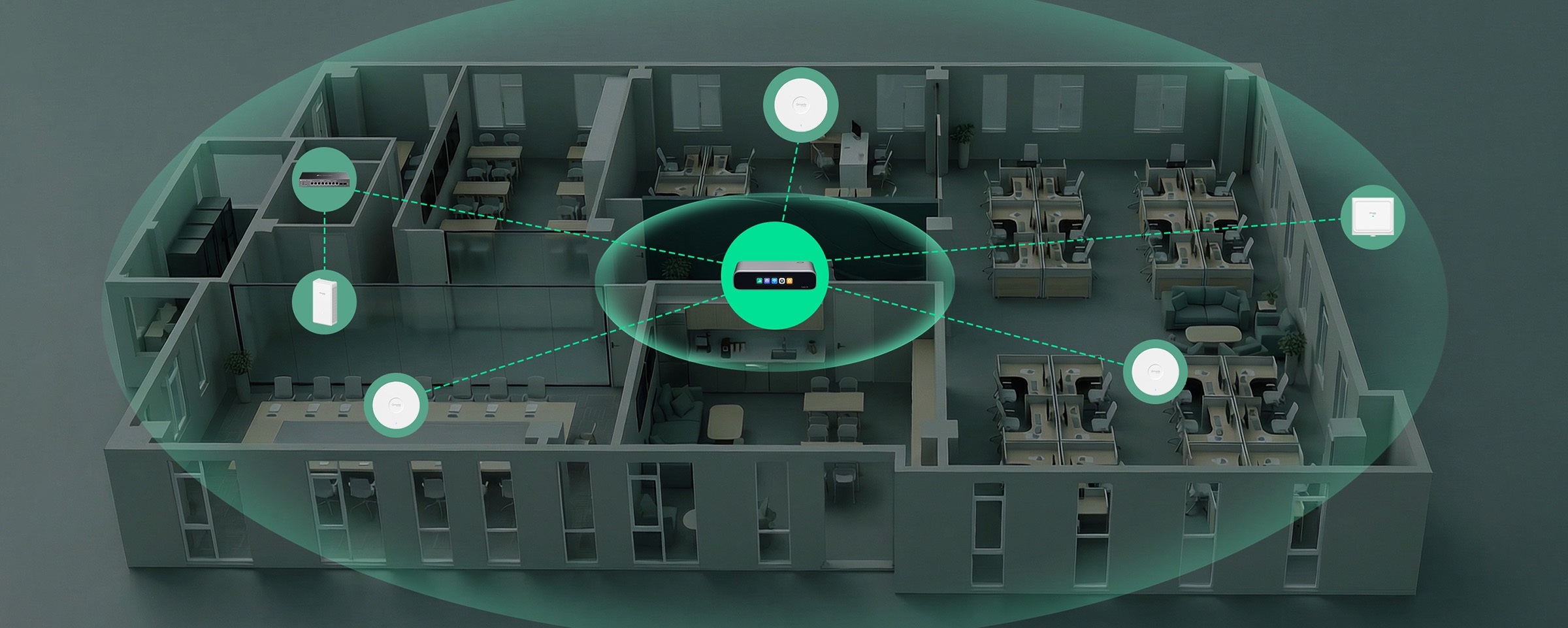
Gateway and controller integrated into a single device, delivering a unified solution that combines networking and centralized management at the core of the Omada networking ecosystem—improving the installation and management experience.
License-Free Cloud Management, Lower Ongoing Costs
Built-in Controller, No Device License Centralized Multi-Site Visibility Remote Cloud Control via Web/App

High-Performance Quad‑Core CPU
Provides fast processing for stable gateway and controller performance.

2.5G WAN for High-Speed Internet Access
Eliminates internet uplink bottlenecks while Gigabit LAN/WAN ports handle daily devices smoothly and efficiently. • Up to 4-WAN Load Balancing • Automatic Multi-WAN Failover
IPS/IDS at 2.1 Gbps*
Delivers robust threat defense while maintaining high network performance.
Superior Thermal Design
Fanless cooling for silent operation and reliable performance.
Secure Remote Network Access, One Click Away
With Omada LightLink VPN, you can securely access your network from anywhere with one click. Powered by Smart Split Tunneling, only essential traffic goes through the VPN, reducing unnecessary VPN load and preserving a smooth user experience. One Click Away
Simple Multi‑Site Connectivity with Full‑Mesh SD‑WAN
Connect up to 20 sites with direct inter‑site links—simpler to deploy, smoother for multi‑site networking.
Content Filtering & Ad Blocking
Blocks unwanted sites and intrusive ads for a safer, cleaner experience.

App-Based Access Control
Easily manage access by app and category. Control access intuitively with simple, clearly defined policies.
One‑Click Auto QoS
Ensure critical traffic always gets priority, with one‑click presets or full customization.
Desktop
No Additional Installation Needed
Wall-Mountable
Magnetic-Mount Plate Needed**
Rack-Mountable
Rack‑Mount Kit Needed**
Small Chain Stores

Small Restaurants

Small Offices

Medical Clinics