Product Specification |
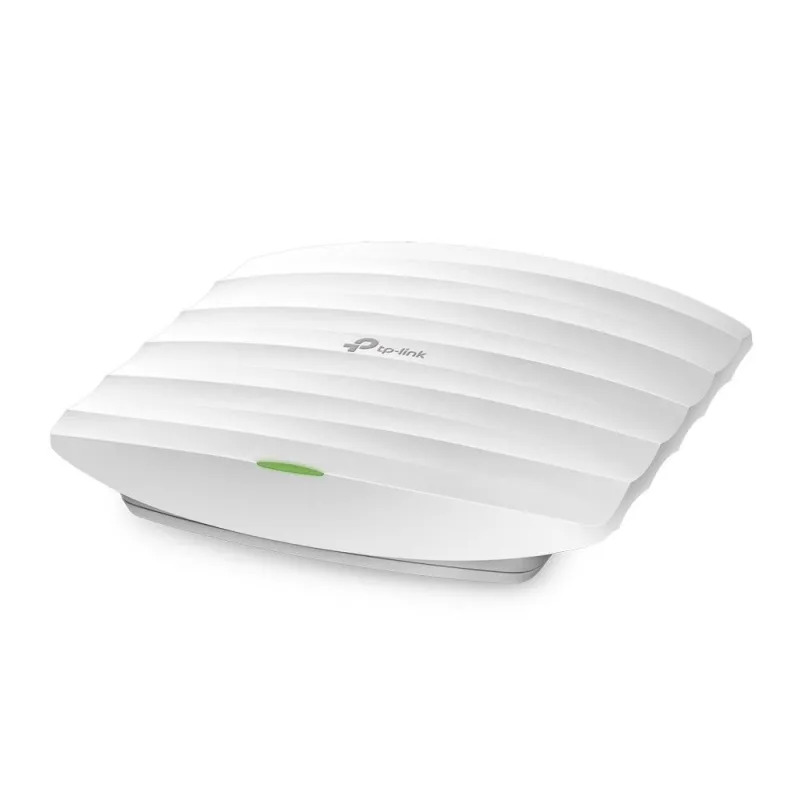
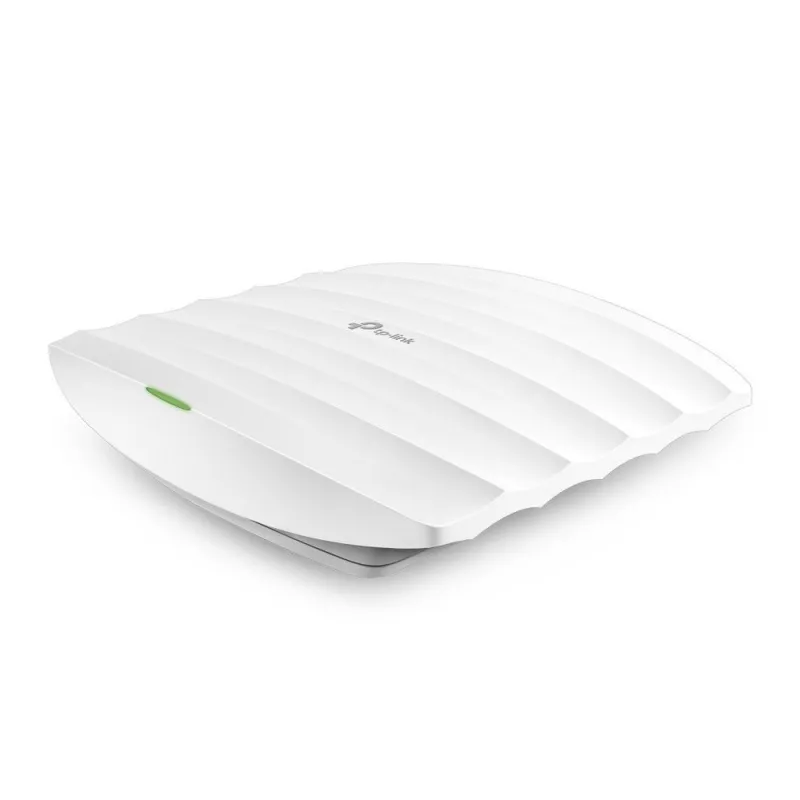
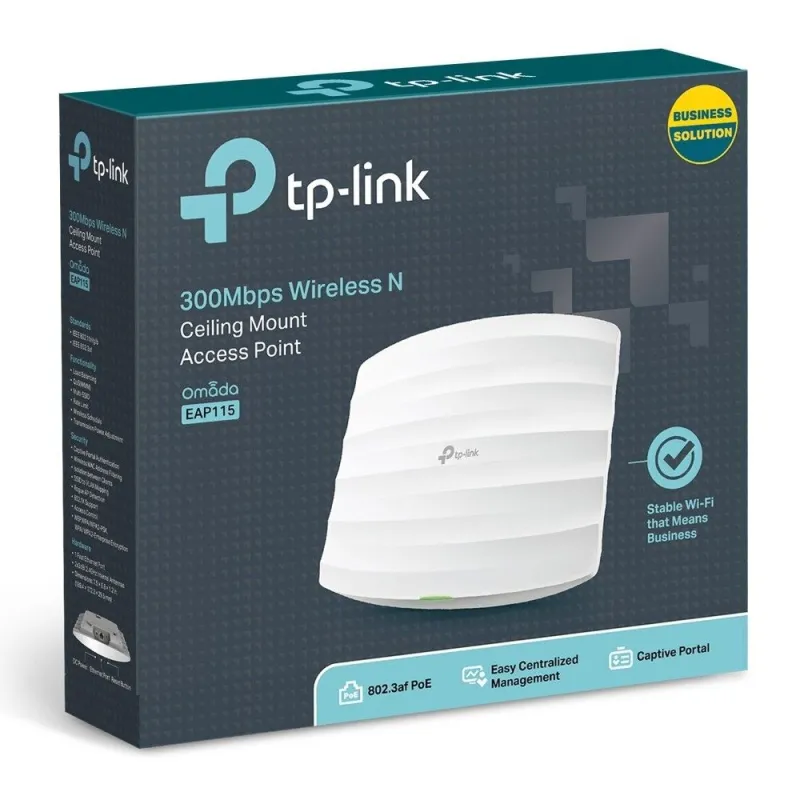
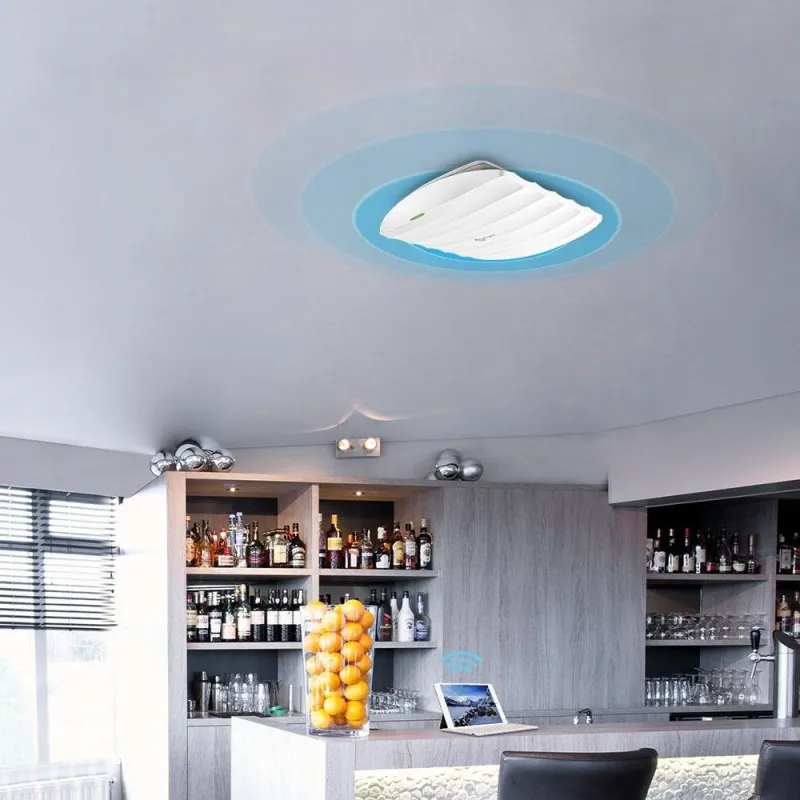
Overview | TP-LINK EAP115 Wireless N 2.4GHz Ceiling Mount Access Point ความเร็วสูงสุดรวม 300Mbps เสาภายใน 4dBi กระจายสัญญาณรอบทิศทาง รองรับ Omada Controller, Captive portal รองรับ POE 802.3af |
Interface | Fast Ethernet (RJ-45) Port *1(Support IEEE802.3af PoE) |
|---|
Button | Reset |
|---|
Power Supply | PoE or external 9VDC/0.6A power supply |
|---|
Power Consumption | 2.8W |
|---|
Dimensions | 7.5×6.8×1.2 in. (189.4×172.3×29.5mm) |
|---|
Antenna Type | Internal 2* 4dBi Omni |
|---|
Mounting | Ceiling /Wall Mounting (Kits included) |
|---|
Wireless Standards | IEEE 802.11n, IEEE 802.11g, IEEE 802.11b |
|---|
Frequency | 2.4-2.4835GHz |
|---|
Signal Rate | 11n: Up to 300Mbps(dynamic)
11g: Up to 54Mbps(dynamic)
11b: Up to 11Mbps(dynamic) |
|---|
Reception Sensitivity | 300M: -71dBm@10% PER
150M: -75dBm@10% PER
54M: -78dBm@10% PER
11M: -93dBm@8% PER
6M: -92dBm@10% PER
1M: -96dBm@8% PER |
|---|
Wireless Functions | Multiple SSIDs (Up to 8 SSIDs)
Enable/Disable Wireless Radio
Automatic Channel Assignment
Transmit Power Control (Adjust Transmit Power on dBm)
QoS(WMM)
Rate Limit
Reboot Schedule
Wireless Schedule
Wireless Statistics based on SSID/AP/Client |
|---|
Wireless Security | Captive Portal Authentication
Access Control
Wireless MAC Address Filtering
Wireless Isolation Between Clients
SSID to VLAN Mapping
Rogue AP Detection
802.1X Support
64/128/152-bit WEP / WPA / WPA2-Enterprise,WPA-PSK / WPA2-PSK |
|---|
Transmission Power | CE:
≤19dBm(EIRP)
FCC:
≤21dBm |
|---|
Omada Controller Software | Yes |
|---|
Email Alerts | Yes |
|---|
LED ON/OFF Control | Yes |
|---|
Management MAC Access Control | Yes |
|---|
SNMP | v1,v2c |
|---|
System Logging Local/Remote Syslog | Local/Remote Syslog |
|---|
Telnet | Yes |
|---|
Web-based Management | HTTP/HTTPS |
|---|
Management VLAN | Yes |
|---|
Certification | CE, FCC, RoHS |
|---|
Package Contents | 300Mbps Wireless N Ceiling Mount Access Point EAP115
Power Adapter
Mounting Kits,
Installation Guide |
|---|
System Requirements | Microsoft Windows 10/8/7/Vista/XP |
|---|
Environment | Operating Temperature: 0℃~40℃ (32℉~104℉)
Storage Temperature: -40℃~70℃ (-40℉~158℉)
Operating Humidity: 10%~90% non-condensing
Storage Humidity: 5%~90% non-condensing |
|---|
รับประกัน | Limited lifetime |