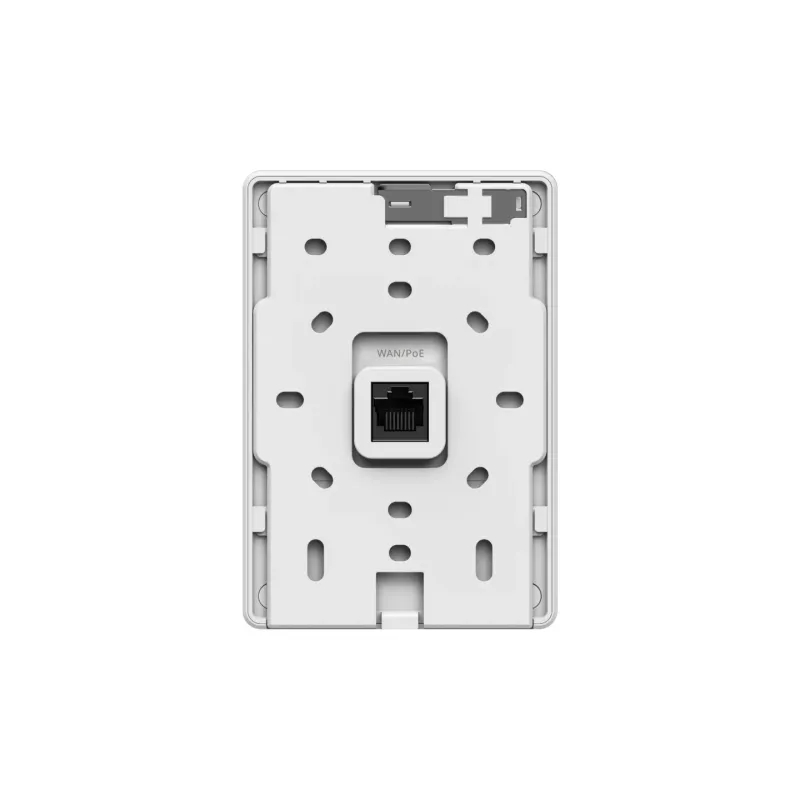
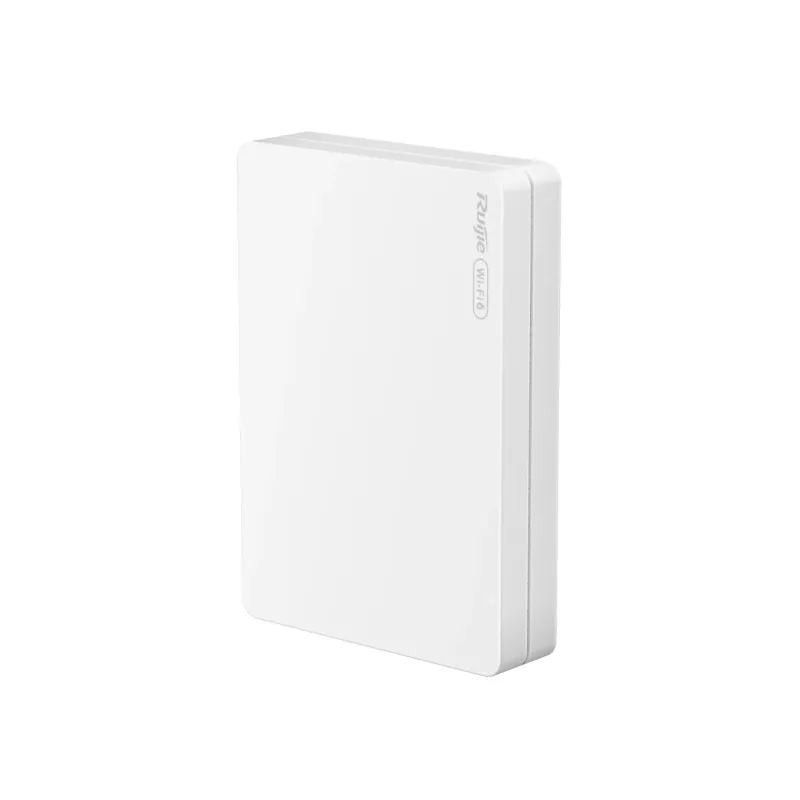
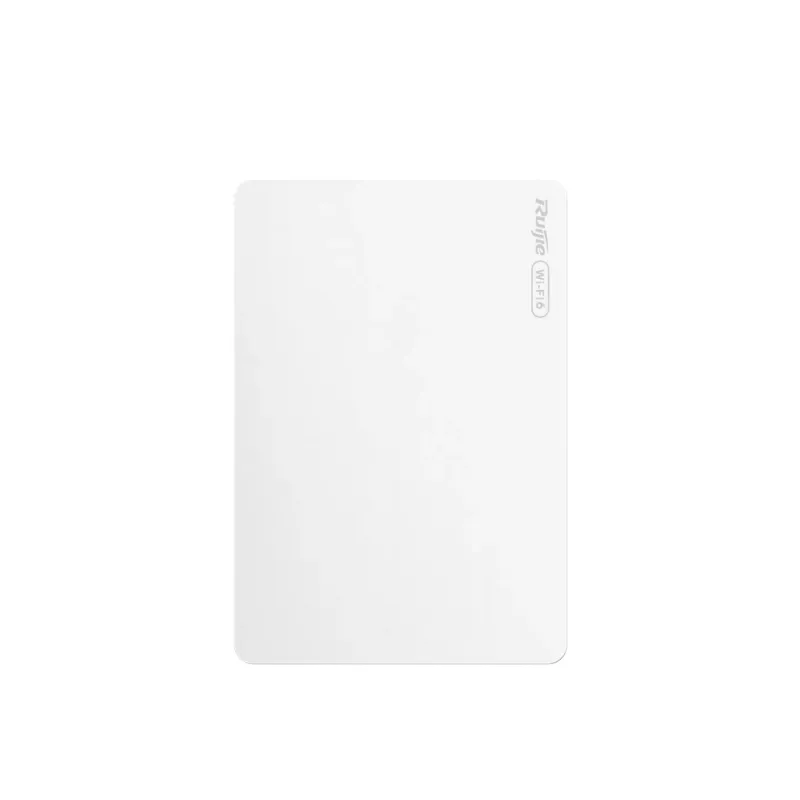
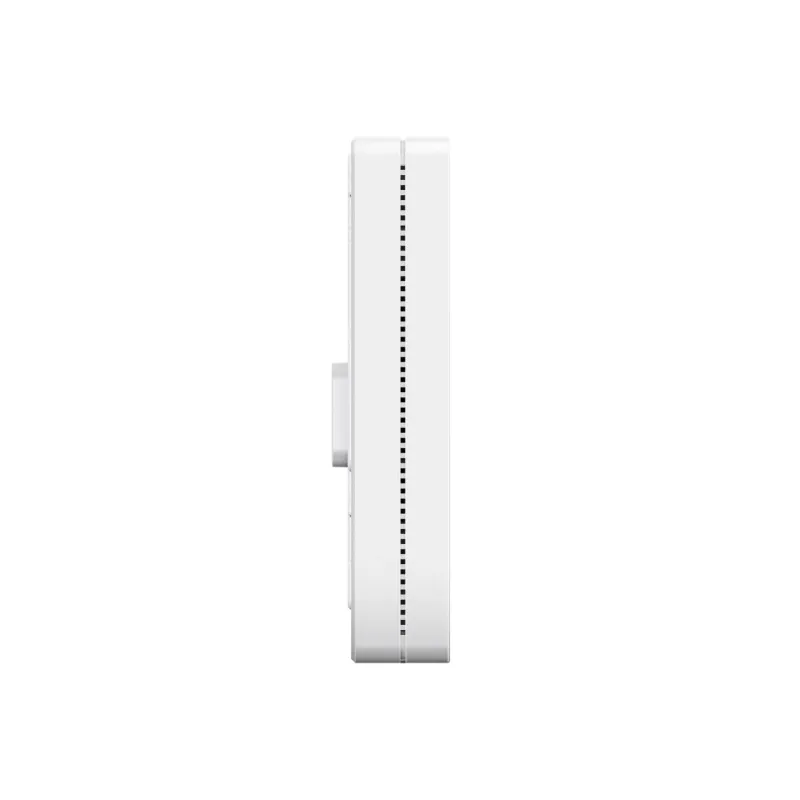
RG-RAP62-Wall Datasheet
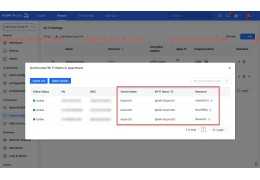
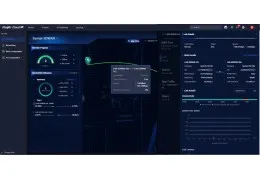
Review Ruijie Cloud ระบบ Managed & Monitor อุปกรณ์ Ruijie ผ่าน Cloud
แนะนำการเลือกใช้งาน Reyee Access-Point RAP Series
Review Ruijie Cloud ระบบ Managed & Monitor อุปกรณ์ Ruijie ผ่าน Cloud
Ruijie Reyee App Implementation Cookbook Release 7.x (V1.0)
Ruijie Reyee RG-RAP1261 Access Point User Manual (V1.0)
Ruijie Reyee RG-RAP Series Access Points Web-based Configuration Guide, Release ReyeeOS 1.219 (V1.2)
Reyee Series Implementation Cookbook V1.0
RG-RAP72-Wall Ruijie BE3600 Dual-Band Wall-Mount Wi-Fi 7 Access Point
RG-RAP72-Wall เป็น Wall-Mount Access Point จาก Ruijie รองรับ Wi-Fi 7 แบบ Dual-Band สำหรับติดตั้งในห้องพัก โรงแรม อพาร์ตเมนต์ หอพัก ห้องเรียน และออฟฟิศขนาดเล็กถึงขนาดกลาง รุ่นนี้รองรับความเร็วไร้สายรวมสูงสุด 3570Mbps พร้อมพอร์ต 2.5Gbps สำหรับ Uplink และพอร์ต LAN Gigabit สำหรับเชื่อมต่ออุปกรณ์ภายในห้อง
Wi-Fi 7 Dual-Band ความเร็วสูงสุด 3570Mbps
RG-RAP72-Wall รองรับ Wi-Fi 7 บนย่าน 2.4GHz และ 5GHz โดยมีความเร็วสูงสุดรวม 3570Mbps แบ่งเป็น 5GHz สูงสุด 2882Mbps และ 2.4GHz สูงสุด 688Mbps รองรับ Wi-Fi 4, Wi-Fi 5, Wi-Fi 6 และ Wi-Fi 7 เพื่อให้ใช้งานร่วมกับอุปกรณ์รุ่นเก่าและรุ่นใหม่ได้ยืดหยุ่น
2.5Gbps Uplink สำหรับระบบ Network ความเร็วสูง
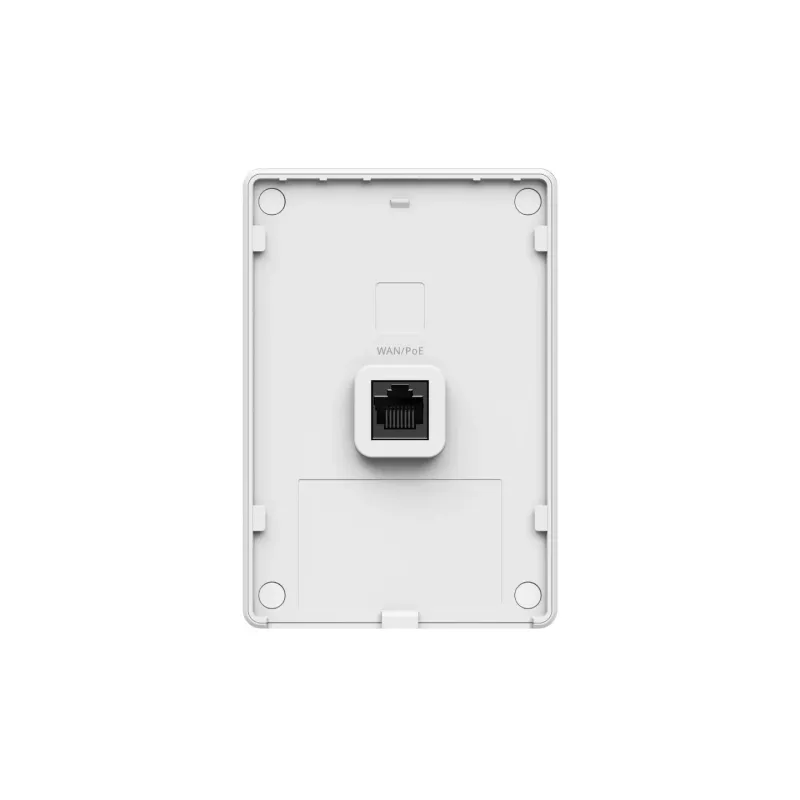
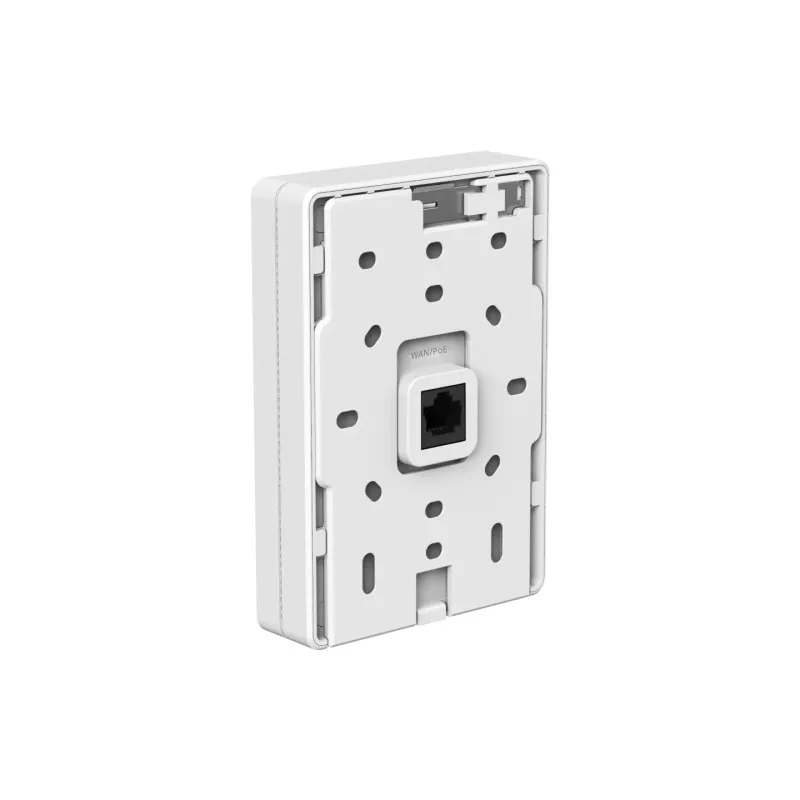
ตัวอุปกรณ์มีพอร์ต 10/100/1000/2500BASE-T จำนวน 1 พอร์ต สำหรับเชื่อมต่อ Uplink และรับไฟผ่าน PoE/PoE+ ช่วยลดคอขวดของระบบเมื่อใช้งาน Wi-Fi 7 และเหมาะกับงานติดตั้งในห้องพักหรือพื้นที่ที่ต้องการความเร็วสูงผ่านสาย LAN เส้นเดียว
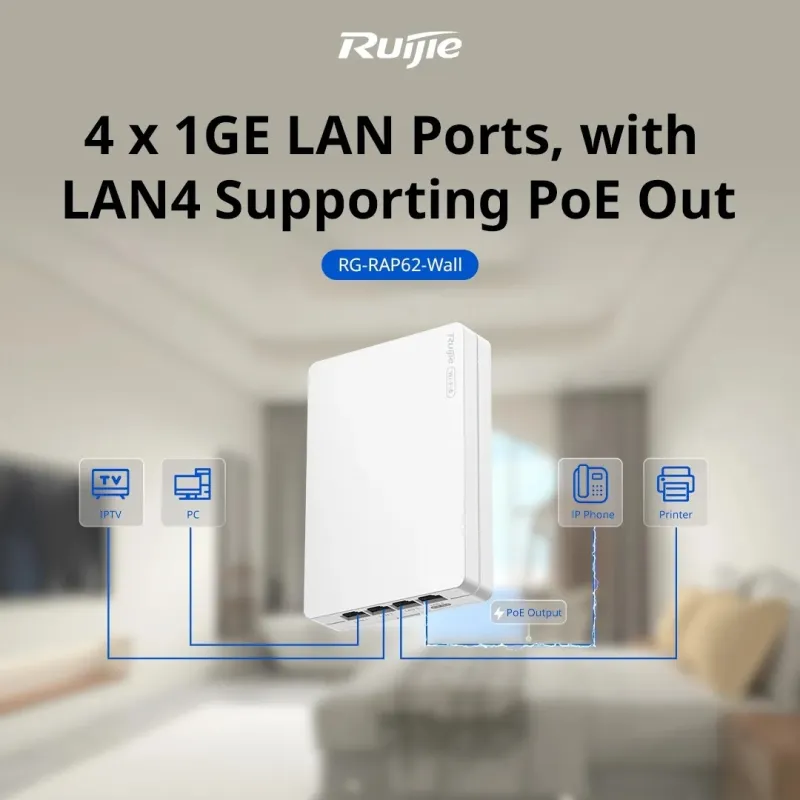
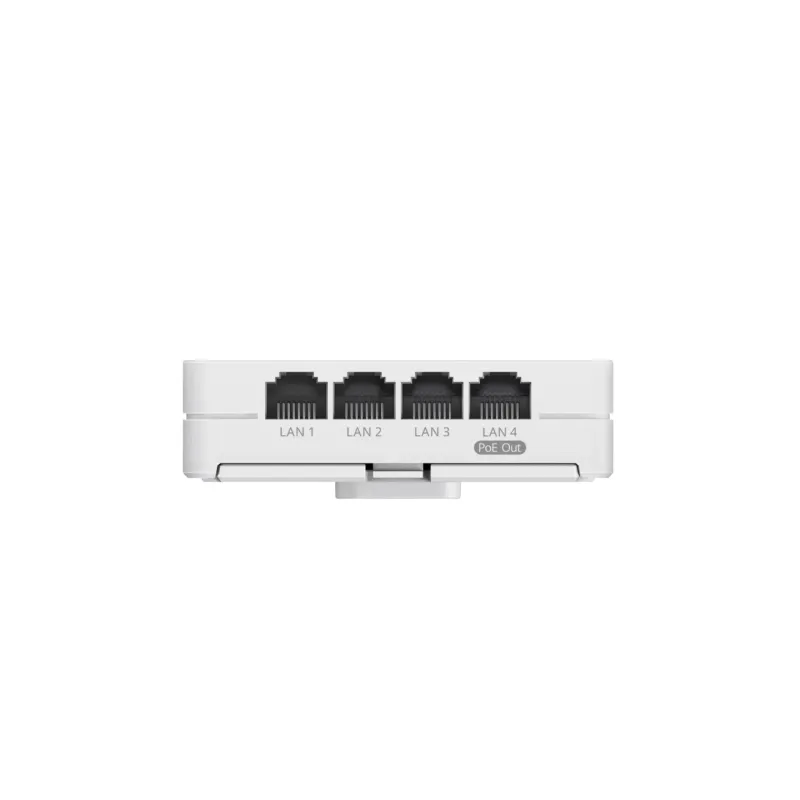
มี Gigabit LAN 4 Port และ PoE Out 1 Port
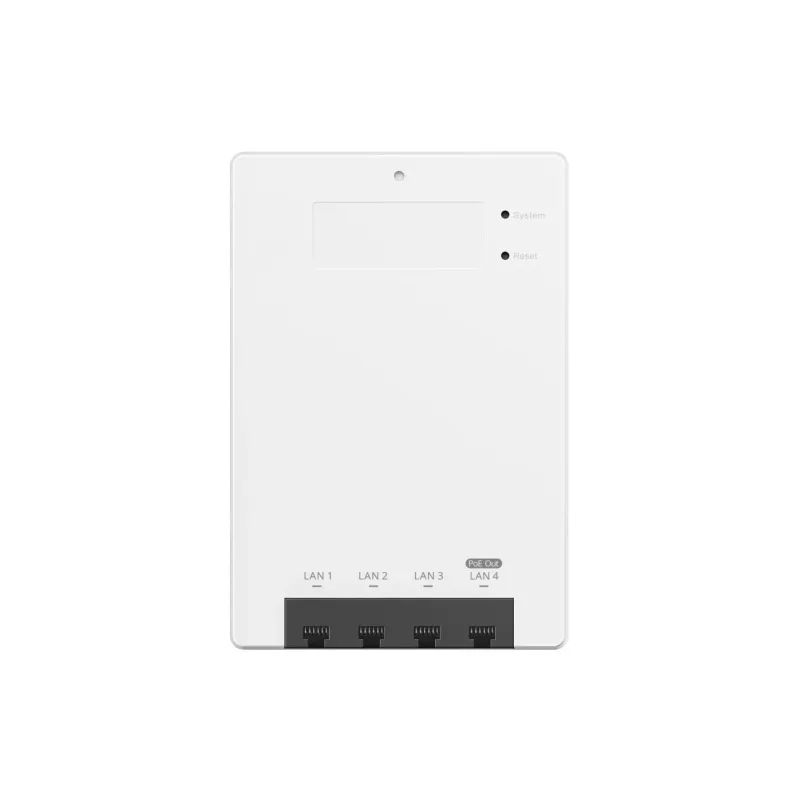
RG-RAP72-Wall มีพอร์ต 10/100/1000BASE-T จำนวน 4 พอร์ต สำหรับเชื่อมต่ออุปกรณ์ภายในห้อง เช่น IP Phone, Computer, IPTV หรืออุปกรณ์ IoT โดยมี PoE Out 1 Port พร้อม PoE Budget 10W เมื่อจ่ายไฟเข้าอุปกรณ์ด้วยแหล่งจ่ายที่รองรับ IEEE 802.3at
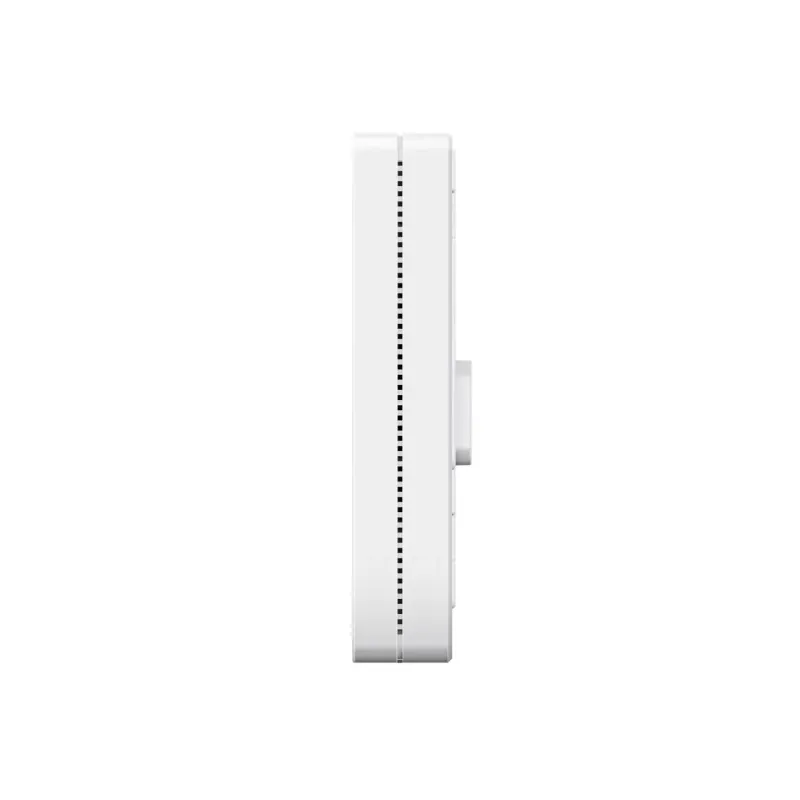
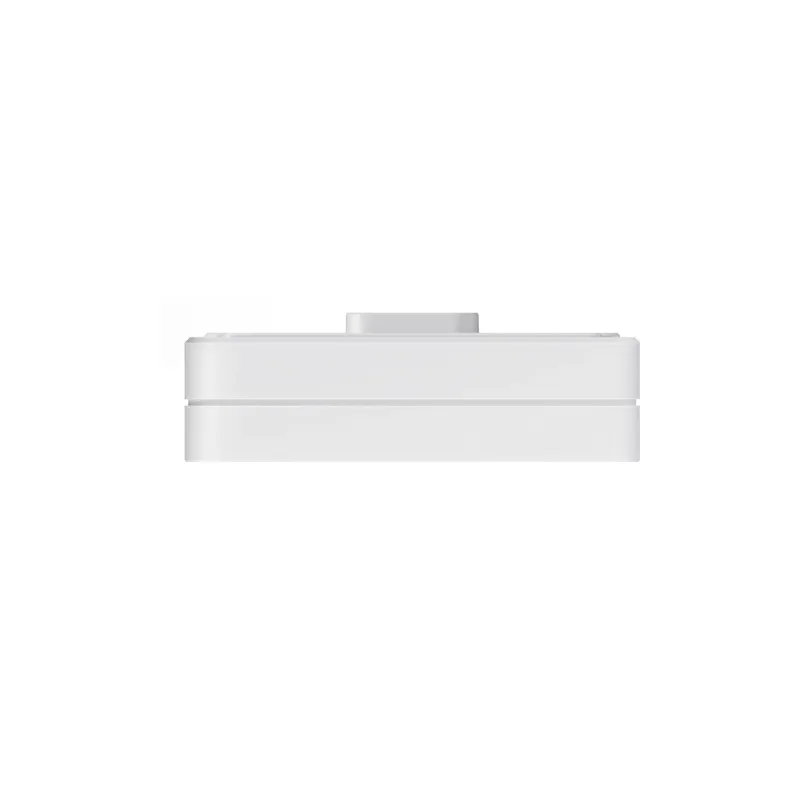
ออกแบบบาง 24mm สำหรับติดตั้งแบบ Wall Plate
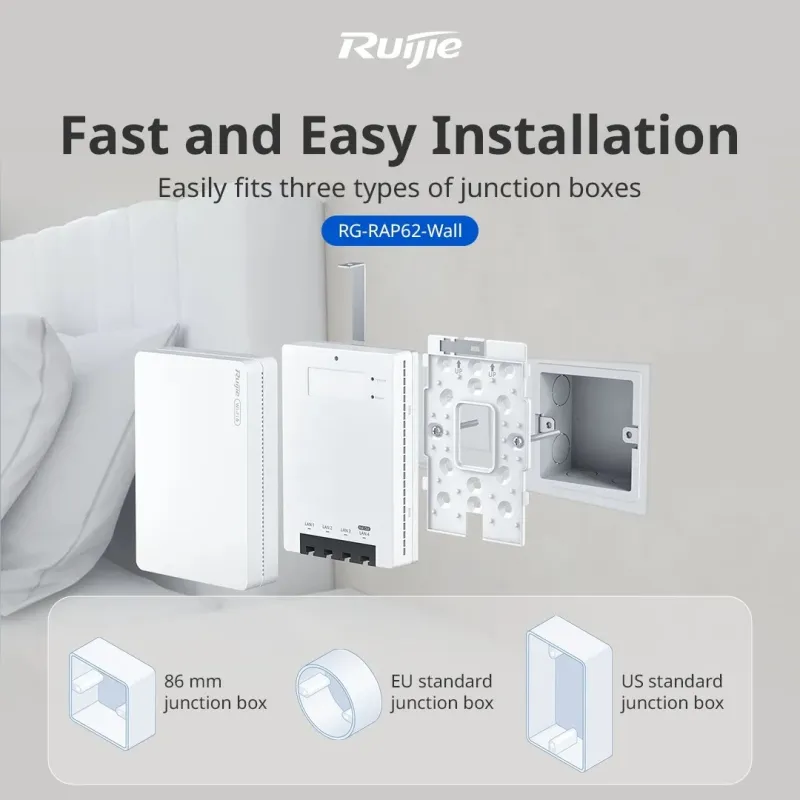
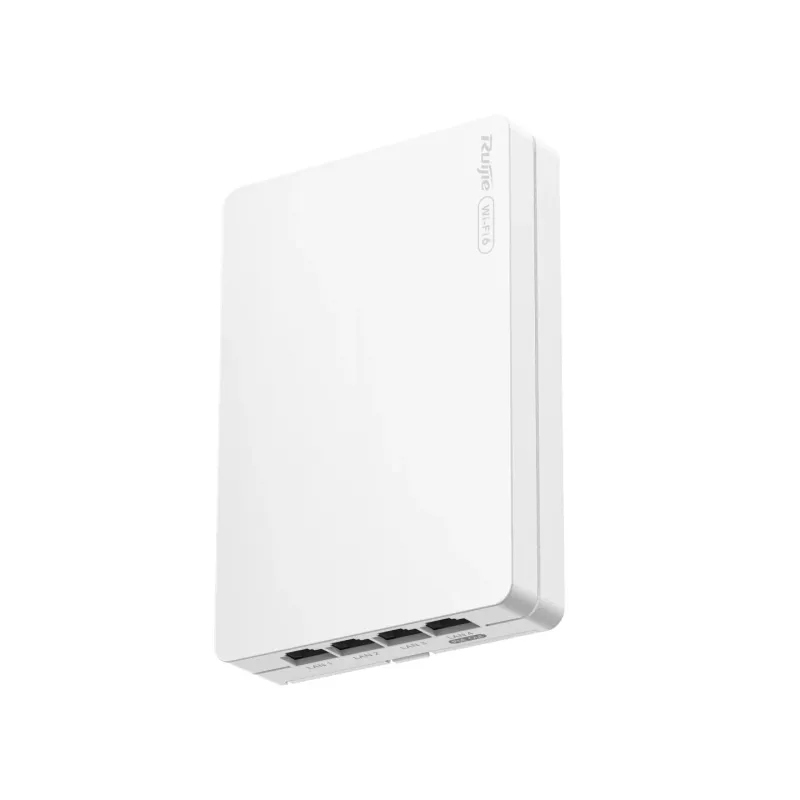
ตัวเครื่องมีขนาด 86 x 24 x 124 มม. ไม่รวม Mounting Bracket และน้ำหนักไม่เกิน 0.27 กก. เหมาะกับการติดตั้งบนผนังหรือ Junction Box ภายในห้องพัก ช่วยให้ติดตั้งเรียบร้อย ไม่เกะกะ และเข้ากับงานตกแต่งภายในได้ง่าย
เหมาะกับโรงแรม หอพัก อพาร์ตเมนต์ ห้องเรียน และออฟฟิศ
Datasheet ระบุว่า RG-RAP72-Wall เหมาะสำหรับ Guest Room ในโรงแรมและอพาร์ตเมนต์, ห้องเรียน, หอพัก และ Office Environment สำหรับองค์กรขนาดเล็กถึงขนาดกลาง โดยมี Coverage Range 55 ตารางเมตรในสภาพแวดล้อมอุดมคติที่ไม่มีสิ่งกีดขวาง
รองรับ MLO, 4K-QAM, OFDMA และ Beamforming
รองรับฟีเจอร์ Wi-Fi เช่น MLO, 4K-QAM, OFDMA, WMM, DFS, Beamforming, AP Load Balancing และ Radio-based Client Limiting ช่วยเพิ่มประสิทธิภาพการเชื่อมต่อไร้สายและช่วยให้ระบบรองรับผู้ใช้งานหลายอุปกรณ์ได้ดีขึ้น
รองรับ Roaming สำหรับระบบ Wi-Fi หลายจุด
RG-RAP72-Wall รองรับ 802.11k/v Roaming, Fast Transition 802.11r, Layer 2 Roaming, Layer 3 Roaming และ AI Roaming เหมาะกับระบบที่มี Access Point หลายตัวและต้องการให้ผู้ใช้งานเคลื่อนที่ระหว่างพื้นที่ได้ต่อเนื่องขึ้น
รองรับ Portal, Mesh และ Network-wide Management
รองรับ Standalone Portal, AP Portal Authentication, Mesh Management, AP Mesh, Wireless Repeater Mode และ Network-wide Configuration and Management สามารถจัดการผ่าน Ruijie Cloud, eWeb และ Ruijie Reyee App พร้อมรองรับการ Sync Configuration ระหว่าง App, eWeb และ Ruijie Cloud
Security Lock ช่วยป้องกันการถอดอุปกรณ์
RG-RAP72-Wall มี Anti-theft Lock หรือ Security Lock สำหรับช่วยป้องกันการถอดอุปกรณ์ เหมาะกับงานติดตั้งในพื้นที่สาธารณะ เช่น โรงแรม หอพัก ห้องเรียน หรือพื้นที่ที่มีผู้ใช้งานร่วมกันหลายคน
รองรับมาตรฐานความปลอดภัย Wi-Fi
รองรับ PSK Authentication, Static Allowlist, Static Blocklist, WPA-PSK, WPA2-PSK, WPA/WPA2-PSK, OWE, WPA3-SAE และ WPA2-PSK/WPA3-SAE พร้อมรองรับ 802.1X Authentication, Layer 2 Isolation และ MAC Address Blocklist/Allowlist
จ่ายไฟผ่าน PoE/PoE+ ไม่ต้องใช้ Power Adapter
อุปกรณ์รองรับการจ่ายไฟผ่าน PoE/PoE+ โดยไม่รองรับ Local Power Supply และไม่มี Power Adapter ในชุดอุปกรณ์ การใช้งาน PoE Out ต้องใช้แหล่งจ่ายไฟเข้าแบบ IEEE 802.3at จึงจะมี PoE Budget 10W สำหรับจ่ายต่อให้อุปกรณ์ปลายทาง
Product Specifications
| Product Information |
| Model | RG-RAP72-Wall |
| Product Type | Wall AP |
| Recommended Use | เหมาะสำหรับห้องพักโรงแรม อพาร์ตเมนต์ หอพัก ห้องเรียน และออฟฟิศขนาดเล็กถึงขนาดกลางที่ต้องการ Wi-Fi 7 แบบติดผนัง |
| Wi-Fi Radio |
| Wi-Fi Standard | Wi-Fi 7, Wi-Fi 6, Wi-Fi 5, Wi-Fi 4 |
| 6GHz Wi-Fi | No |
| 5GHz Wi-Fi | IEEE 802.11a/n/ac/ax/be |
| 2.4GHz Wi-Fi | IEEE 802.11b/g/n/ax/be |
| Radio Design | Dual-radio, 4 Spatial Streams, 2.4GHz 2 x 2 MU-MIMO, 5GHz 2 x 2 MU-MIMO |
| 5GHz Channel Width | Auto / 20 / 40 / 80 / 160MHz |
| 2.4GHz Channel Width | Auto / 20 / 40MHz |
| Maximum Wireless Data Rate | 3570Mbps |
| 5GHz Wireless Data Rate | 2882Mbps |
| 2.4GHz Wireless Data Rate | 688Mbps |
| Maximum Transmit Power 5GHz | Combined Power 21.7dBm, Single-stream Power 17dBm |
| Maximum Transmit Power 2.4GHz | Combined Power 20dBm, Single-stream Power 17dBm |
| Coverage Range | 55 ตารางเมตร ในสภาพแวดล้อมอุดมคติที่ไม่มีสิ่งกีดขวาง |
| Antenna |
| Antenna | 5GHz: 1 Built-in Omnidirectional Antenna, Integrated 2.4GHz and 5GHz: 2 Built-in Omnidirectional Antennas |
| Antenna Gain 5GHz | 4.56dBi |
| Antenna Gain 2.4GHz | 2.84dBi |
| Port Specifications |
| 2.5Gbps Port | 1 x 10/100/1000/2500BASE-T Port |
| Gigabit Ethernet Ports | 4 x 10/100/1000BASE-T Ports |
| PoE Out Ports | 1 Port |
| Reset Button | 1 |
| LED | 1 x System Status LED |
| Power Supply and Consumption |
| Power Supply | PoE / PoE+ |
| Local Power Supply | No |
| PoE In Standard | IEEE 802.3af (PoE), IEEE 802.3at (PoE+) |
| PoE Out Note | IEEE 802.3af ไม่รองรับ PoE Out, การใช้งาน PoE Out ต้องใช้แหล่งจ่ายไฟ IEEE 802.3at |
| PoE Budget | 10W เมื่อ Power Source เป็น IEEE 802.3at-compliant |
| Maximum Power Consumption | 15W ไม่รวม PoE Output |
| Power Adapter | No |
| Wireless Features |
| Maximum Associated Wireless Clients | 64 Clients ที่ 2.4GHz, 511 Clients ที่ 5GHz, 511 Clients เมื่อเปิด 2.4GHz และ 5GHz |
| Recommended Wireless Clients | 802.11ax 160MHz: สูงสุด 110 Clients, 802.11ax 80MHz: สูงสุด 80 Clients, 802.11ac: สูงสุด 40 Clients |
| Maximum SSIDs | 8 |
| Wi-Fi Features | OFDMA, WMM, DFS, MLO, 4K-QAM, Beamforming, AP Load Balancing, Radio-based Client Limiting |
| Roaming | 802.11k/v Roaming, Fast Transition 802.11r, Layer 2 Roaming, Layer 3 Roaming, AI Roaming |
| Mesh | Mesh Management, AP Mesh, Wireless Repeater Mode |
| Portal Authentication | AP Portal Authentication, Standalone Portal |
| Security Features |
| Authentication | PSK Authentication, 802.1X Authentication |
| Encryption | WPA-PSK, WPA2-PSK, WPA/WPA2-PSK, OWE, WPA3-SAE, WPA2-PSK/WPA3-SAE |
| Access Control | Static Allowlist, Static Blocklist, Layer 2 Isolation, MAC Address Blocklist/Allowlist |
| Security Lock | มี Key to Security Lock ในชุดอุปกรณ์ |
| Network and Management |
| AP Mode | Yes |
| Routing Mode | Yes |
| Internet Access Mode | Static IP, Static IPv6, Dynamic IP, Dynamic IPv6, PPPoE |
| VLAN | IEEE 802.1Q VLAN |
| IP Service | ARP Binding, IPv4 Ping, IPv6 Ping, Traceroute, Static/Dynamic NAT, DHCP Server, IPv6 |
| Management | Ruijie Cloud, eWeb, Ruijie Reyee App, SNMP, Network-wide Configuration and Management |
| Maximum Managed Devices | 300 |
| One-Click Network Optimization | Yes |
| Physical and Environment |
| Dimensions | 86 x 24 x 124 มม. ไม่รวม Mounting Bracket |
| Weight | ≤ 0.27 กก. ไม่รวมบรรจุภัณฑ์ |
| Color | White |
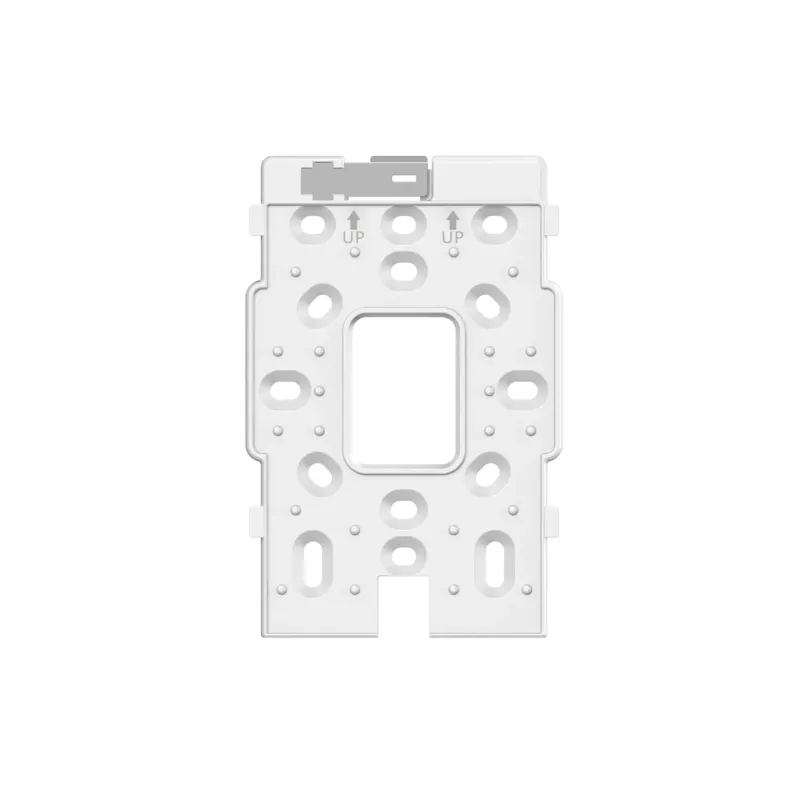
| Mounting Options | Junction Box |
| IP Rating | IP41 |
| Operating Temperature | 0°C ถึง +40°C |
| Operating Humidity | 5% RH ถึง 95% RH, Non-condensing |
| Surge Protection | Ethernet Port ±2kV Common Mode |
| MTBF | 400,000 Hours |
| Certification | CE, FCC, CB, ISED, cTUVus |
| Package Contents |
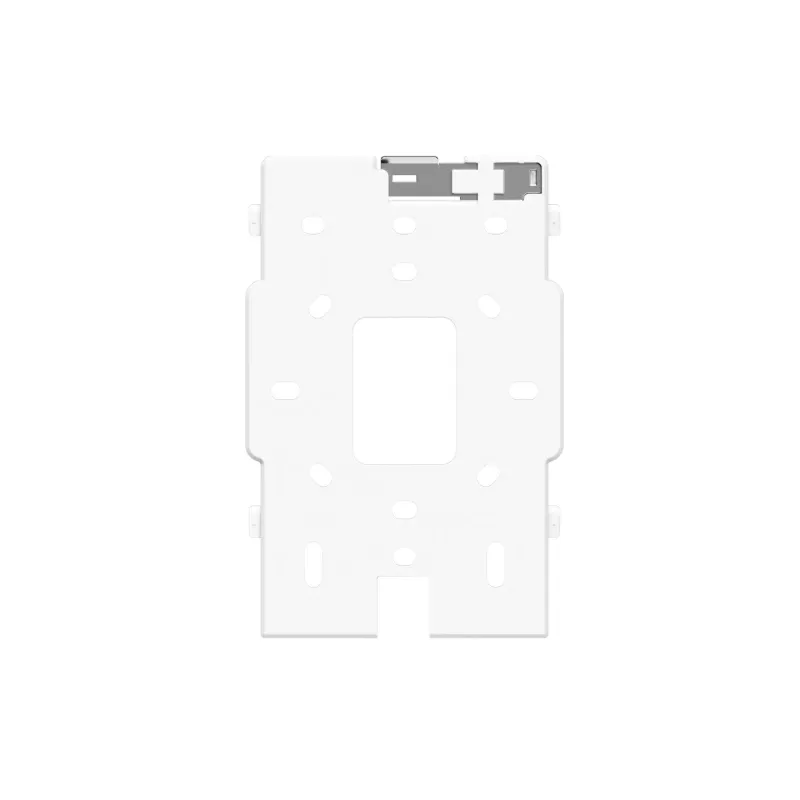
| Package Contents | 1 x AP, 1 x Mounting Bracket, 4 x Cross Pan Head Screws M4 x 25mm, 1 x User Manual, 1 x Warranty Card, 1 x Key to Security Lock |
| Power Adapter | No |
| Warranty | รับประกันศูนย์ Ruijie Thailand 3 ปี |